



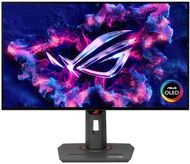
Reviews 27" ASUS ROG Strix OLED XG27AQDMG
Interested in reviews of 27" ASUS ROG Strix OLED XG27AQDMG? It got 4.6 out of 5 stars from our customers. Find specific customer reviews of 27" ASUS ROG Strix OLED XG27AQDMG below. We will appreciate if you also share your experiences with 27" ASUS ROG Strix OLED XG27AQDMG after purchasing.
User Reviews

Anonymous customer
Rated 11/12/2024, variant 27" ASUS ROG Strix OLED XG27AQDMG
Verified purchase
If you are at least a little bit concerned about faithful colour rendering, beware! All gradients in dark shades are wrong. It's not just black crush that people are mentioning, but also the horrible banding/posterization. At a certain level around RGB 19-20 (varies according to the brightness setting on the monitor), there is an absolutely shocking and 100% visible jump in gradation on the white subpixel. The srgb clamp fix is not a fix, but only a fix that changes the gamma and thus moves the problem lower in the gradients. The monitor has been on the market for almost half a year and with the last FW MCM104 it has not been resolved, so it is a product with a hidden defect.
If he had gradients in order, he could get 4 stars
G-Sync/VRR has at 180Hz microstuttering
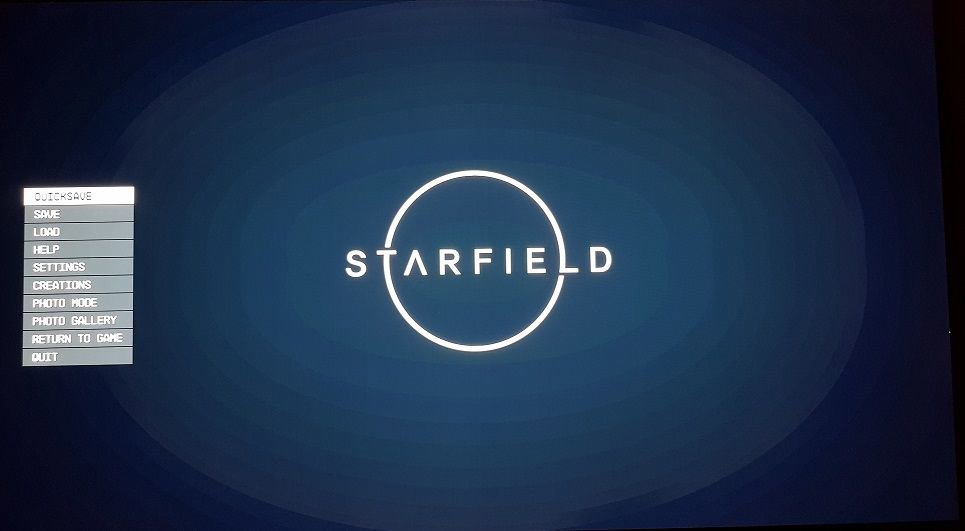
It's not just black crush, but the whole gradation on the dark gradients is completely off! The worst colour rendering I've seen on an OLED. See pictures.
As of today with firmware version MCM104 it is a defective product that should not be sold at all


0 ×Report
Automatic translation

Jaroslav, Zubří
Rated 09/12/2024, variant 27" ASUS ROG Strix OLED XG27AQDMG
Verified purchase
For me, a very nice monitor that has a lot to offer, but has unnecessary negatives that slightly lower the grade, so I give 4 stars and not 5. Apparently I was just unlucky, but after 22 days of normal use, the monitor started to malfunction and a flashing color bar started to appear on the bottom of the display. I sent the monitor to warranty and 20 days later it was back with the opinion that it was a defective panel and so they replaced it with a new one. I'm currently retesting the monitor and so far no problems, so I hope I won't have to send it in for warranty again after another 22 days.
OLED (after switching to OLED you don't want anything else)
24OHz, perfect for competitive gaming
WOLED ( for me better than QD-OLED, more contrast + better black color)
G-sync+Freesync Premium
Pivot
A clear monitor menu you'll love immediately
OLED panel saving function thanks to Pixel cleaning, etc.
No speakers (For me a premium monitor with a price tag over 15k should include at least 5W speakers)
No USB-C output (this should be standard on more expensive monitors)
HDMI 2.0 only (you can't use features like ALLM or VRR when you connect the PS5 as only HDMI 2.1 can do that which is a shame and a monitor this expensive should already have HDMI 2.1)
0 ×Report
Automatic translation

Tomáš, Vysoká Pec
Rated 27/11/2024, variant 27" ASUS ROG Strix OLED XG27AQDMG
Verified purchase
Hello and hello to everyone,
OLED monitor I always wanted and this year I finally Jezisek gave it to me under the tree (thanks to BlackFriday action, otherwise I would not want it for the money 🤣😂). But I have to try it before the 14 days for return expire, if I find some defective pixel or lack of it, because I can see a defective pixel on a 6" mobile phone with a resolution of 2880x1440 at a distance of half a meter (without glasses). The first thing that disturbed me was the extremely glossy surface on the display. Luckily, only the foil, which shines the display, is so extremely shiny. So don't be as frightened as I was. Another thing that disturbed me was a visible, strangely glowing strip from top to bottom somewhere in 1/3 of the image, but I hope and firmly believe that this is just some kind of a glow on the foil and the display itself will be fine (the foil will be removed when I'm 100% sure that I keep it). Otherwise, after switching on, I was immediately captivated by the perfect black black colour and the ROG logo just lit up in the middle. Then when the OS booted up the whole picture was luxuriously black and only what was supposed to be lit was lit. Simply OLED is a blast. In Windows, it depends on what picture you have on the desktop and what theme you have chosen. I personally prefer black, so only the mouse arrow, the scythe and the leaf at the bottom are lit, which I will probably hide if I have OLED. Well, it's a parade! Cerna just doesn't shine, at all. As far as Hz is concerned, I don't know the difference between 120Hz and 240Hz, although there is a minimal difference in sharpness in games, but for me it's probably the torliseni and colors and especially the black black. I can see individual pixels separately, so I have the performance environment set in Windows, so I don't smooth the buttons and I don't like edge smoothing in games because it blurs the image. I'd rather see teeth than a blurry image. Anyway, as everyone writes that the writing is wrong with OLED in Windows, it is not! Or it is not wrong in the default panel settings. I just turned the brightness down to 50% and switched the mode to the first default (no fps, cinema, race, or night vision). Short default setting and only 50% brightness. But what bothers me is that in WoWS, when I press ESC in the menu, there is extreme contrast of the foggy image in the dark areas and there is a big jump between shades. I don't know how to describe it correctly, but on IPSk the image is smooth and sharp as if it uses a greater color depth, but both my panels, both IPS and this OLED are 10bit. It would probably require 16bit, or preferably 32bit like it used to be possible to set in Windows 95 and 98. But that was probably only possible on a CRT. I don't know. But what is much better with OLED in games than IPS is in the dark, you can see in much darker places what is there. If I compare it to that, when I play DOOM or AvP on IPSek, it's dark in the dark pieces. With this OLED, you can still see what's there. And only in total darkness are those pixels turned off in total black darkness for short. So on OLED I don't have to use a flashlight or night vision as much, because I can still see something. That's really cool. On the other hand, in WoWS where it is mostly day and clear sea, I would say that the picture is a bit better with IPS, because there is a whiter white. But OLED has richer colours. It's so controversial. So that's about all I would write about OLED. For me maximum satisfaction and I'm glad that I will finally have it (I have to pack it by 24.12.2024 😇 ).
Finished black
Super colours
Perfectly normal text in Windows (no OLED defects)
Adjustable height
Rear backlighting of the ROG logo can be paired with ASUS Aura from PC, or set individual backlighting (shines a little, does not illuminate the white wall behind)
A word of advice -> if someone accidentally locks the buttons, they are unlocked by holding down the down arrow for 5 seconds
Czech menu (must be set -> default is English)
In dark games like AvP, DOOM and so on, you can see much more in dark places with OLED than with other technologies, it's really a blast!
Weaker white -> it is a bit more golden than in IPS monitors for 5k even if I set the light temperature to 10000k (6500 is optimal for me)
Can't change the color of the ROG logo backlight on the front of the display (it's red when you turn it on), but you can turn it off

0 ×Report
Automatic translation
Anonymous customer
Rated 07/11/2024, variant 27" ASUS ROG Strix OLED XG27AQDMG
Verified purchase
The monitor is glossy, but some anti-glare technology is used here. Reflections are not completely mirror-like like phones.
Beautiful colours
Lots of adjustability
Amazing response time
True black
Stand of reasonable size. A VESA 100x100 adapter is also included.
Common disadvantages of OLED technology: VRR/Gsync/Freesync flicker, gray uniformity, worse text presentation.
Eventually burn in, but ASUS provides a 3 year warranty for this monitor that covers burn in.
0 ×Report
Automatic translation

Otto, Dobrovice
Rated 07/11/2024, variant 27" ASUS ROG Strix OLED XG27AQDMG
Verified purchase
Great monitor, I kind of regret not "investing" in a monitor sooner.
The colors are good, I honestly expected more. To fix the readability of fonts in Windows, I recommend downloading the "Better Cleartype Tuner" program and setting the Grayscale there. Now text is seamless in Windows. I found a fix on black crush from a well known monitor site Blurbusters, since I don't want to rewrite it I hope the Alza moderators will acknowledge this link:
https://forums.blurbusters.com/viewtopic. php? f=2&t=13659&sid=7f3f0c88070ac26ed81faab4901db4d2
Heading sRGB Mode Black Crush, I suspect it only works for Nvidia graphics and needs to be turned off when using HDR.
OLED
Glossy
"Real" HDR
Price
Font legibility (can be fixed in Windows, see description)
Black crush (also fixable)
0 ×Report
Automatic translation
