
24" Philips 243V7QJABF

4.7 461 ratings
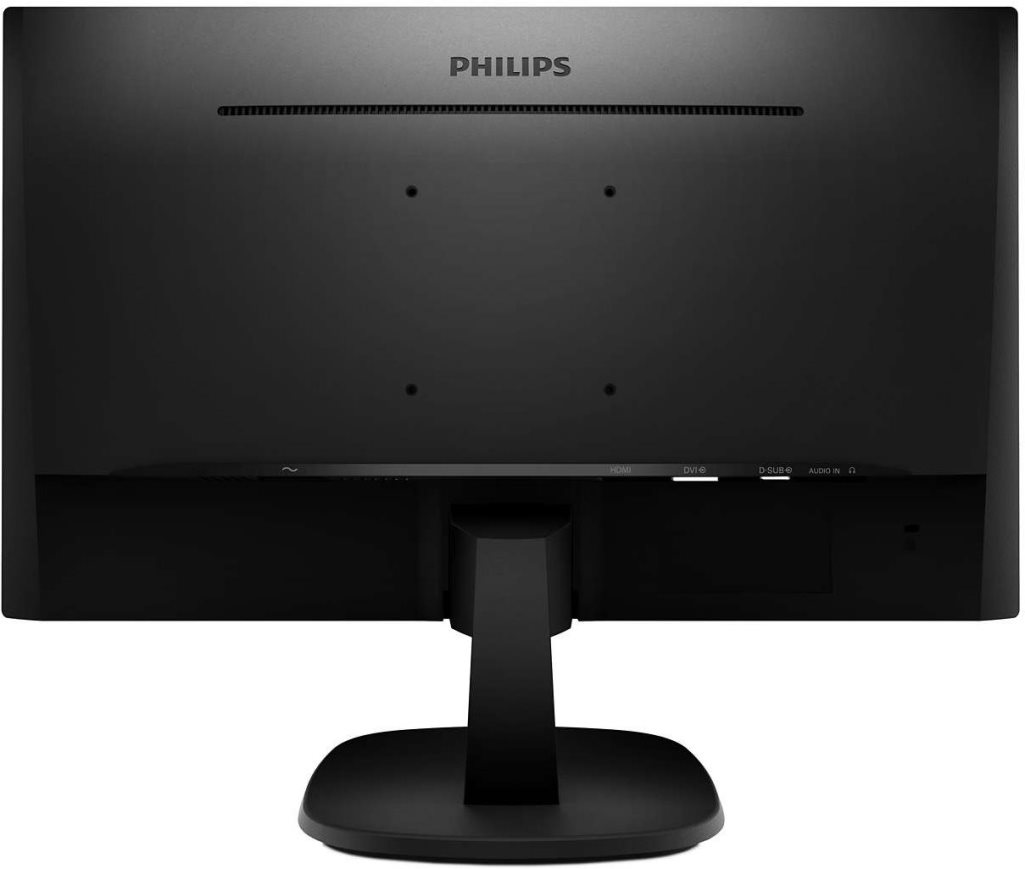
Monitor - IPS, Full HD 1920 × 1080 (16:9), 75 Hz, matte display, 5 ms, speakers, HDMI, DisplayPort and VGA, VESA

Don't like the alternatives? Choose from the full product list

24" Philips 243V7QJABF

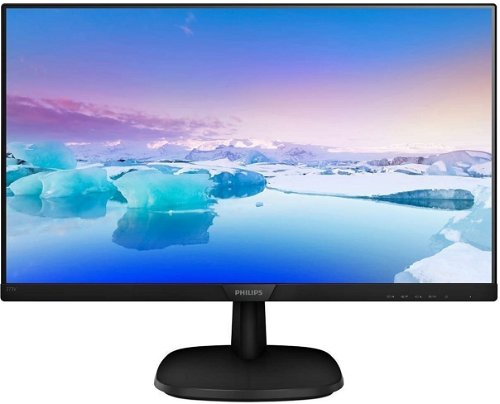
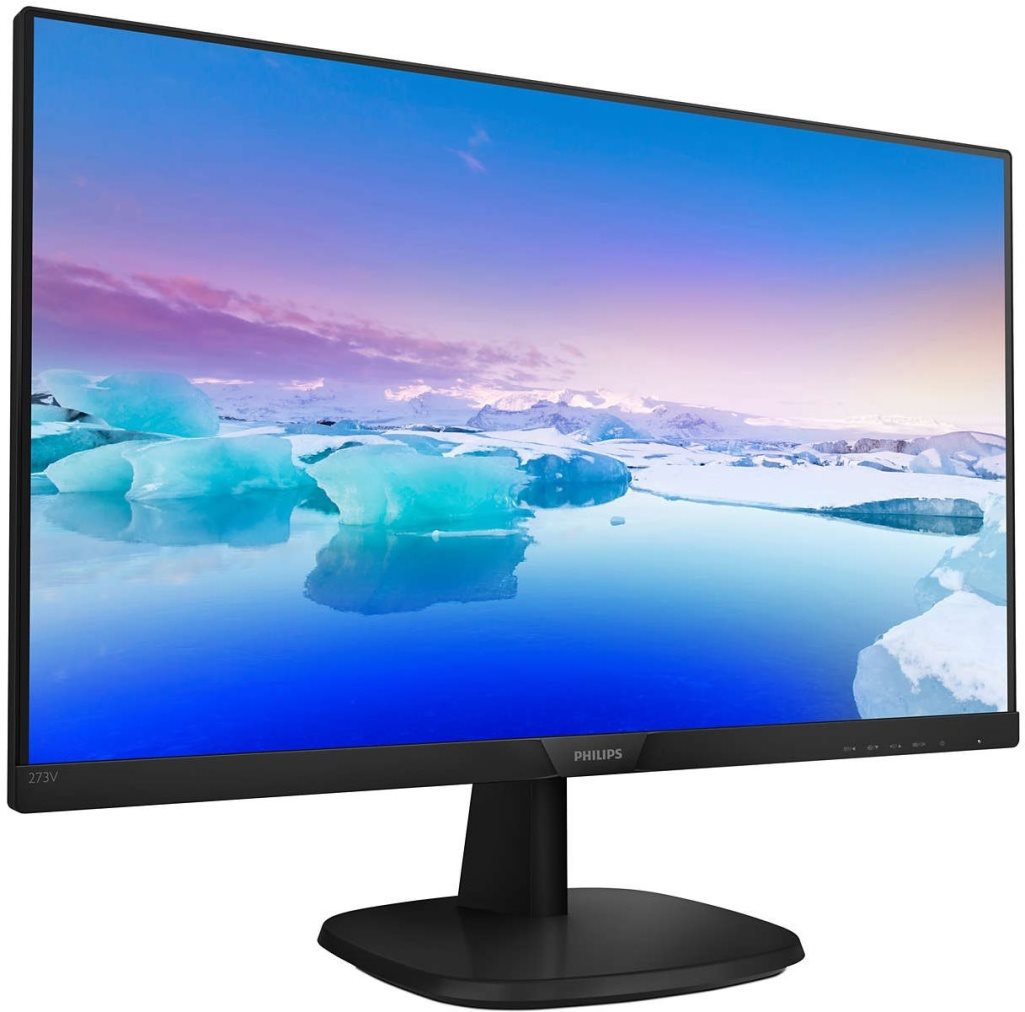
The Philips 243V7QJABF LED monitor boasts an elegant design with an extremely thin frame around the display. With full HD resolution, the IPS display provides sharpness, rich colours, and wide viewing angles to avoid image distortion. As such, it is well equipped for demanding work tasks as well as for entertainment purposes, where films and games will come to life with natural, vivid colour tones.

Philips 243V7QJABF

Key features of the Philips 243V7QJABF monitor

  • Full colours with wide viewing angles (IPS)
  • Sharp, finely detailed image due to Full HD resolution
  • SmartImage and SmartContrast image optimization
  • EasyRead mode simulates reading from a paper
  • Reduced fatigue due to Flicker-Free technology
  • Elegant black design with a thin frame
  • Built-in speakers save space on the desk

Elegant, minimalist design

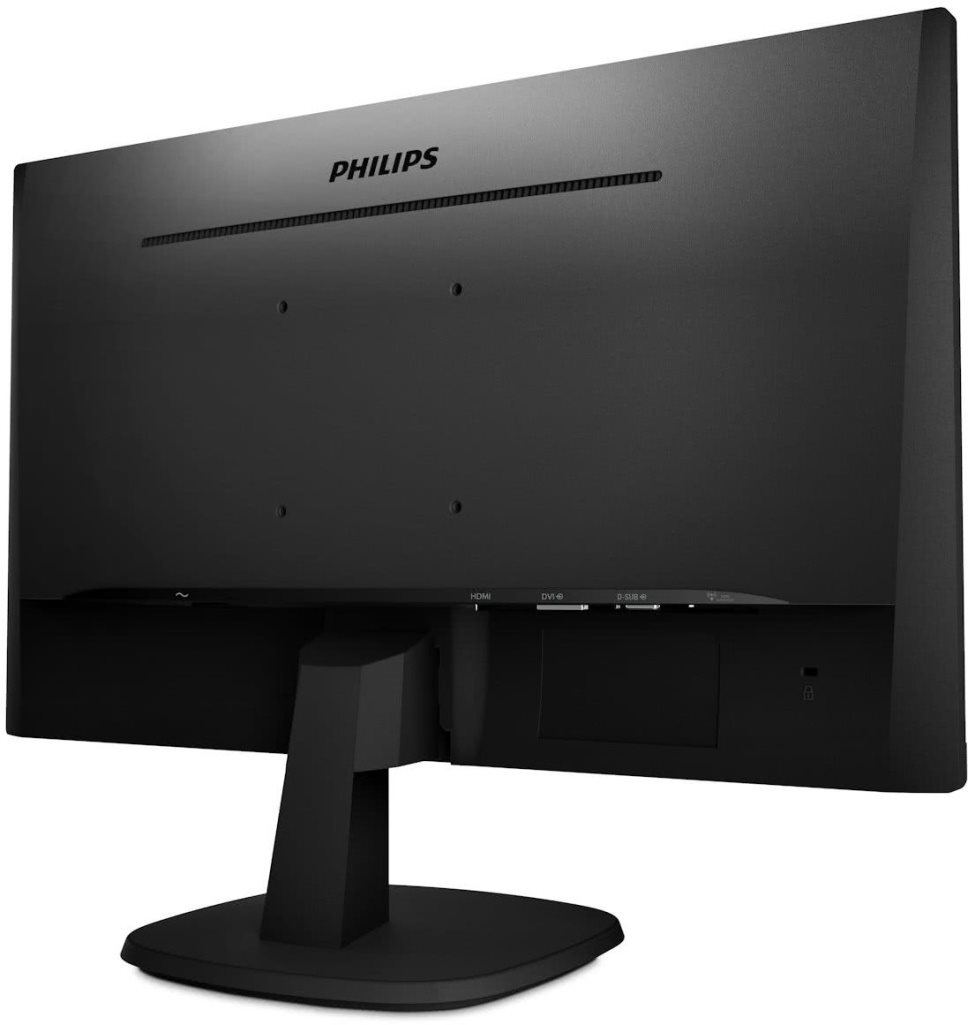
The extremely narrow frame around the display ensures minimal disturbance and maximizes the viewing area without requiring excessive space on the desk. The minimalist design not only looks great, but is particularly suitable for multi-display setups for both gaming and professional applications. Due to the thin frame, connecting multiple monitors of this type provides a similar look as when using one large display.
Philips 243V7QJABF

Philips 243V7QJABF

SmartContrast, SmartImage, and Flicker-Free

Philips has come up with a few technological aces up their sleeve to provide truly stunning image quality. Depending on the selected mode (Office, Photos, Movies, Games), SmartImage technology adjusts overall contrast, colour saturation and sharpness. Additionally, SmartContrast controls the intensity of the backlight, thus helping the monitor achieve perfectly dark colour tones. The display also offers an economic mode which provides considerable energy savings. Flicker-Free technology reduces the blinking of the LED backlight while LowBlue suppresses harmful blue light. This monitor protects your eyes from premature, unnecessary fatigue.

Specifications

Extended warranty
Extended Warranty
Diagonal
609.6 mm (24 ")
Resolution Type
Full HD
Resolution
1920 × 1080 Full HD
Construction
Straight

Warranty

Extended warranty
Extended Warranty

Display diagonal and resolution

Diagonal
609.6 mm (24 ")
Resolution Type
Full HD
Resolution
1920 × 1080 Full HD

Construction

Construction
Straight

Panel and screen technology

Panel type
IPS
Refresh rate
75 Hz
Response time
5 ms
Maximum brightness
250 cd/m2
Native contrast
1000:1
Surface display
Matte
Panel technology
LCD

Aspect Ratio

Aspect Ratio Type
Standard
Aspect Ratio
16:9

Connection

Graphical user interface (GUI) standards
HDMI 1.4
Audio interface
headphone input
HDMI
1 ×
DisplayPort
1 ×
VGA
1 ×

Dimensions and weight

Width
54 cm
Height
41.5 cm
Depth
20.9 cm
Weight
3.5 kg
VESA mounting
100×100

Packaging

Cables included
HDMI

Energy specifications

Energy efficiency class in SDR mode
E
Energy consumption in SDR mode
18 kWh/1000h

Colour

Colour
Black
More Specifications

Philips Consumer Lifestyle B.V., Tussendiepen 4 9206 AD Drachten Netherlands, www.philips.com/support


Pernerova 702/39, 186 00 Prague 8,   [email protected]

Note:

Specifications can be changed without notice. Images are for illustrative purposes only.

There are no posts in this discussion.
More Information

Monitor-Kalibrierung: mit einer Sonde ist es einfach (ANLEITUNG)

Die Kalibrierung des Monitors ist die einzige Möglichkeit, wie man sicherstellen kann, dass die wiedergegebenen Farben korrekt sind. Die ist für Fotografen, Grafiker und andere Designer sehr wichtig. In diesem Artikel zeigen wir Ihnen, wie Sie Ihren Monitor kalibrieren, und zwar mit der Sonde i1Display Studio und dem Open-Source-Programm DisplayCAL.

Getting Started With Your Monitor

Do the colours on your monitor look funky? Do your eyes hurt simply from looking at it? Wrong settings can do all that and more. In this article, we'll take a closer look at how to set up your monitor's display to make your work as comfortable as possible.

Wie kann man sofort und kostengünstig die Ausstattung für die Arbeit von zu Hause aus beschaffen?

Müssen Sie aufgrund staatlicher Maßnahmen mit Ihrem Kind zu Hause bleiben oder sich in Quarantäne begeben? Haben Sie die Möglichkeit, von zu Hause aus zu arbeiten, aber Ihnen fehlt die erforderliche Ausrüstung? Wir kennen zahlreiche Möglichkeiten, wie Sie innerhalb eines einzigen Tages kostengünstig eine Heim-Büroausstattung erwerben können.

Be More Productive with Two Monitors. How? (TIPS)

If you've never considered using two monitors, you should know that it can revolutionize the way you work on your computer. Using two monitors can have a positive effect on your comfort and productivity. In this article, we'll share everything you need to know about using this configuration - from listing new options to selecting monitors to installing them.

Reviews 24" Philips 243V7QJABF
Accessories for 24" Philips 243V7QJABF

Related categories

Chcete doručit zboží do Česka? Prohlédněte si 24" Philips 243V7QJABF
Chcete doručiť tovar na Slovensko? Prezrite si 24" Philips 243V7QJABF
Für Versand nach Deutschland, besuchen Sie bitte 24" Philips 243V7QJABF
Magyarországra történő kiszállításért tekintse meg ezt a termékoldalt: 24" Philips 243V7QJABF