AVACOM for Dell Studio 1735, 1737 Li-ion 11.1V 5200mAh / 58Wh

Don't like the alternatives? Choose from the full product list


AVACOM for Dell Studio 1735, 1737 Li-ion 11.1V 5200mAh / 58Wh
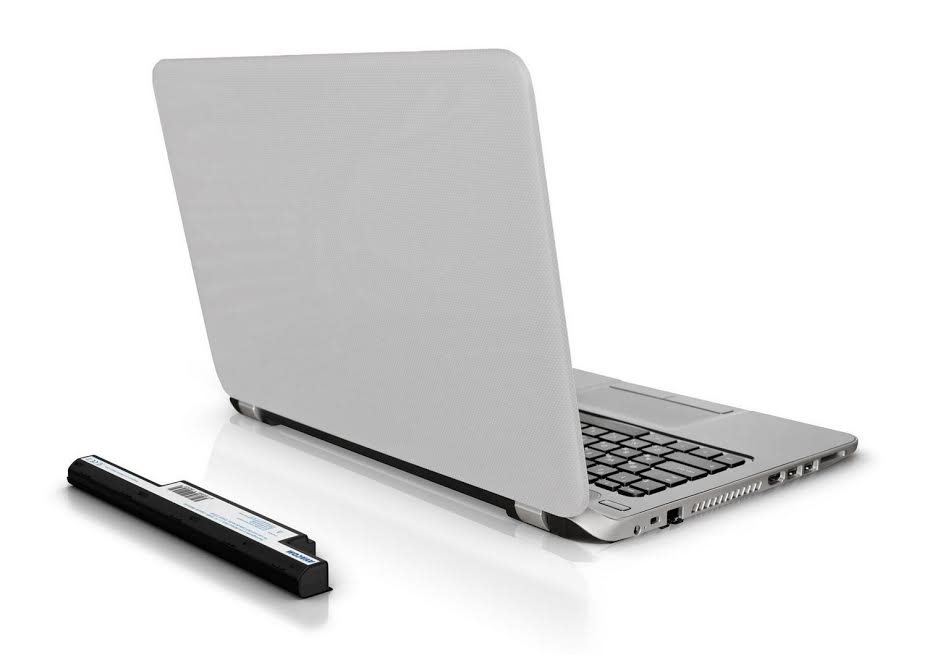
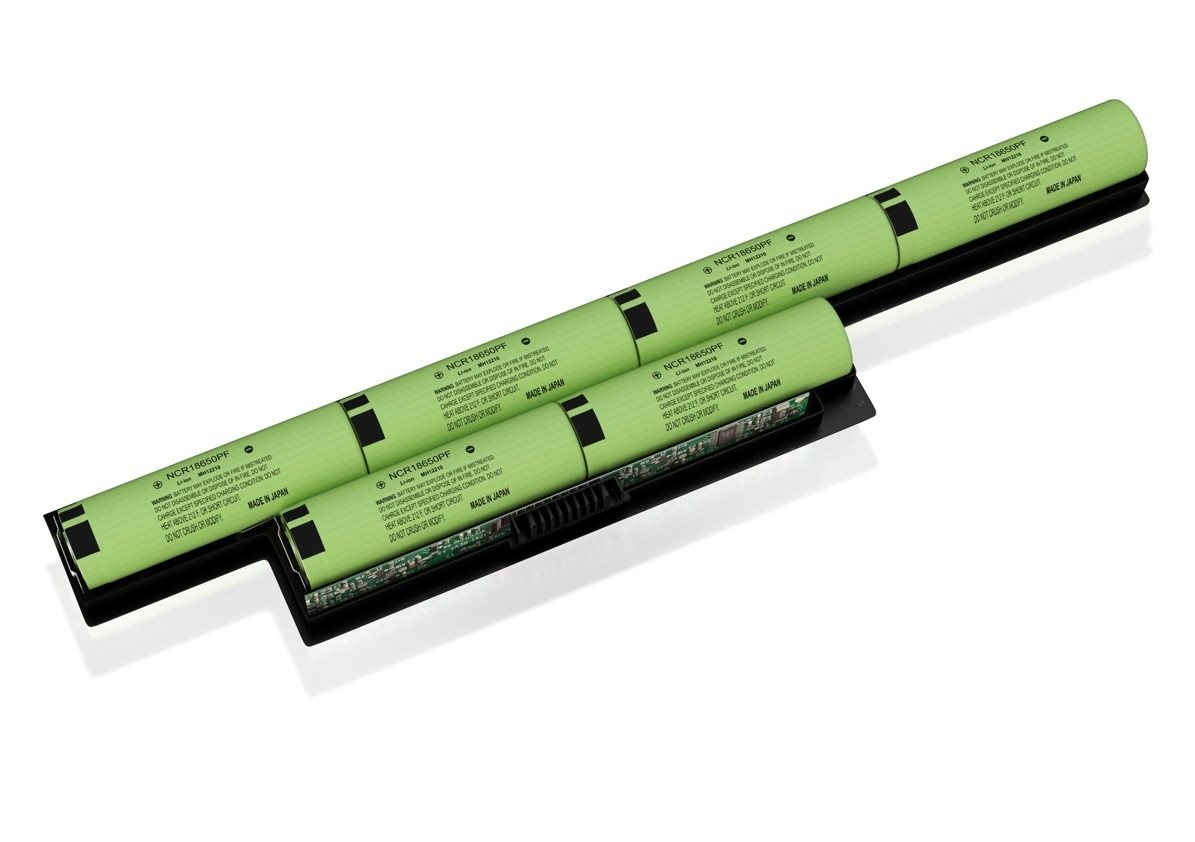
Laptop battery with branded cells
Replace your old and worn battery that has lost its life over the years with the new AVACOM battery. It can also be used as a backup battery for cases where you are running out of power and you do not have a power source near you. AVACOM notebook batteries are exclusively fitted with PANASONIC and SAMSUNG branded components to ensure their long service life and high reliability. These are the best batteries that are currently being produced.

Batteries made of high quality components
This battery is a sophisticated electronic device with double protection. It controls the charging of individual cell strings and also protects them from overcharging. AVACOM batteries are a good replacement for your original battery.

How to keep the battery in good condition
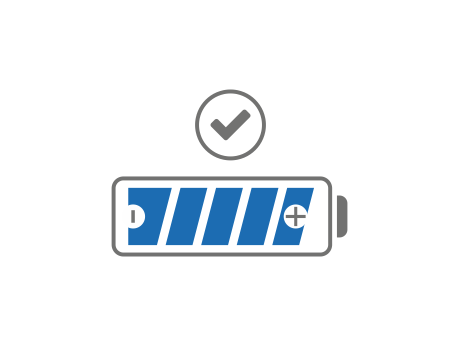
The battery is partially charged at the factory, yet its capacity and performance are below 100%. Therefore, for optimal battery formatting, it is advisable to repeat the charge and discharge cycle at least 3 times when you first receive your battery. Battery capacity reduces when there is a permanent connection to the power supply, so we recommend that you disconnect the device from time to time. If the battery is not in use, store it in a dry place and check on it every six months.

What causes damage to the batteries
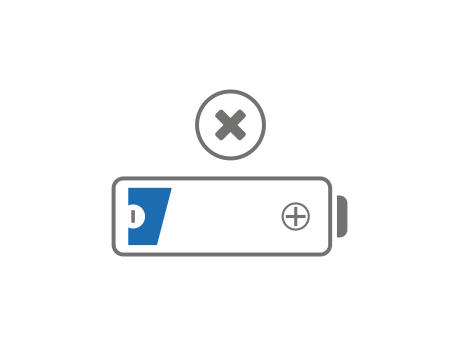
One of the most common causes of battery degradation is when you deplete it completely and do not use it for a long time. Do not expose the battery to temperatures above 60° C. If the battery is exposed to temperatures below 5° C, charge it only when it is at room temperature. Only use the battery in the devices for which it is intended. Also be careful that the battery is not subject to a short circuit or higher discharge currents. Protect it from mechanical damage, chemical agents and moisture.

Parameters and Specifications:
Intended for:
Dell Studio 1735, 1737
Battery replacement:
0KM976, 0KM978, 0MT342, 0PW824, 0R823C, 0RM791, 0RM870, 312-0711, 451-10660, 453-10044, KM973, KM976, KM978, MT342, P0000813, PP31L, PW824, RM791, RM868, RM870
Type:
Li-ion
Capacity:
200mAh
58Wh
Number of articles:
6
Specifications
Features
Laptop brand

AVACOM s.r.o., Ocelářská 659/5, 190 00 Praha 9, +420284021953, [email protected]
Specifications can be changed without notice. Images are for illustrative purposes only.