



Sehr geehrte Damen und Herren, ich benötige ein Angebot für eine öffentliche Fachhochschule (HTW Dresden) für 2 Geräte des Typs XP-Pen Deco 01 V2 https://www.alza.de/xp-pen-deco-01-v2-d6134215.htm Die Rechnungs- und Lieferadresse lautet: Hochschule für Technik und Wirtschaft Dresden Fakultät Informatik/Mathematik Herr Etling 01069 Dresden Die Lieferung muss laut Bestimmungen der Hochschule "frei Haus" erfolgen, ist dies möglich? Ich würde mich sehr über ein Angebot von Ihnen freuen. Mit freundlichen Grüßen Tommy Etling
XP-PEN Deco 01 (v2)
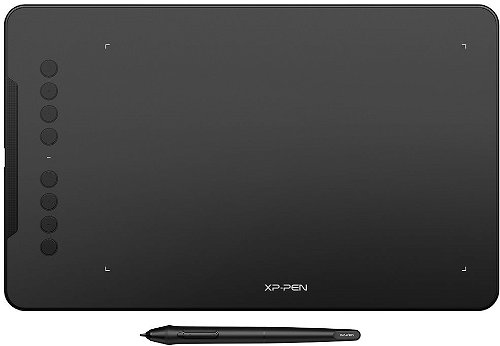
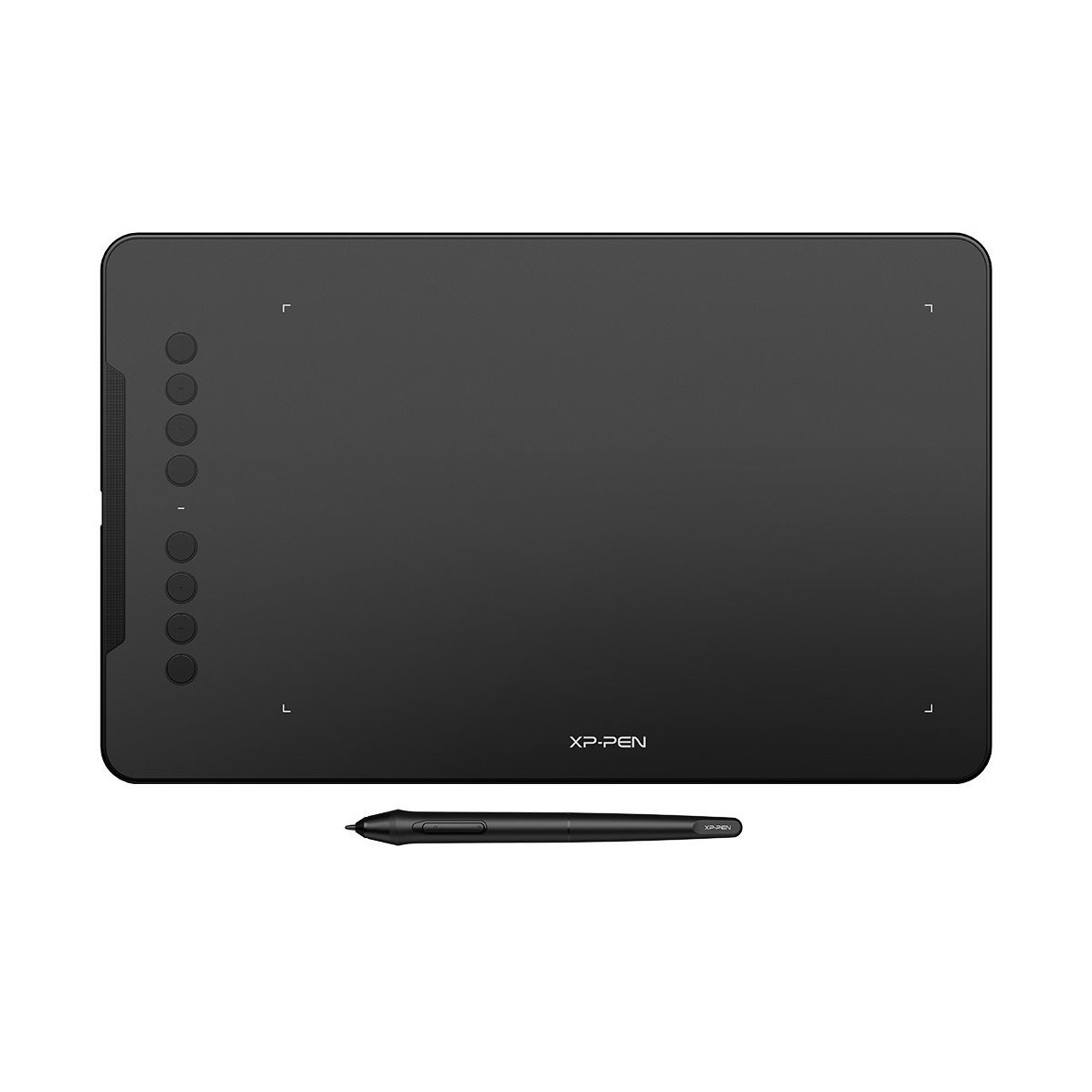
Graphics Tablet -, active area: 254 × 159mm, 8192 pen pressure sensitivity, resolution of 5080 lpi, weight: 570g
Show full description
Code:
XPP2e1
Producer's Website:
Don't like the alternatives? Choose from the full product list
- Reviews 33
- Help and manuals 1
- Specifications
- Photos & Videos 7
- Alternatives 6
- Accessories and suggested products

XP-PEN Deco 01 (v2)
Discontinued
XP-PEN Deco 01 (v2)
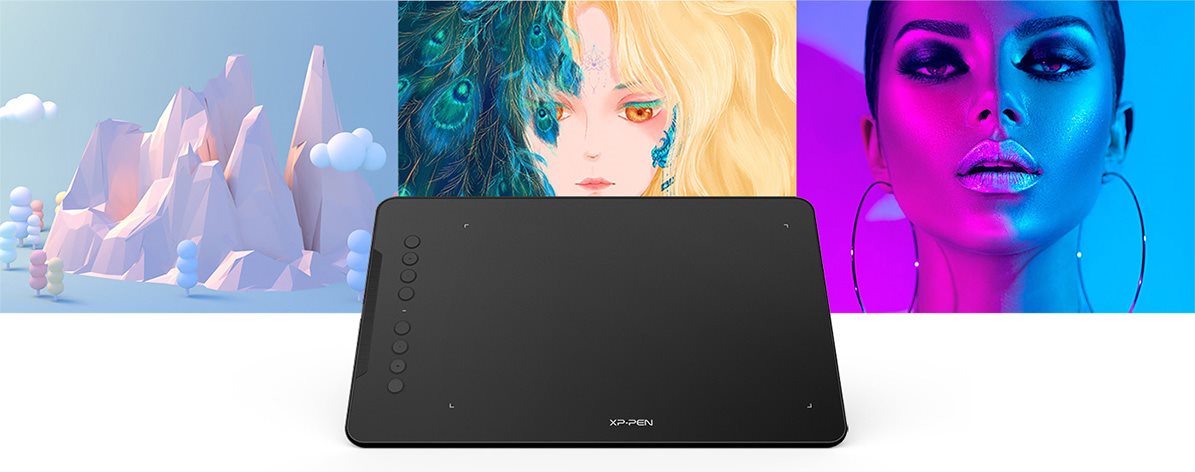
Versatile graphics tablet for high work efficiency
With the XP-PEN Deco 01 V2 graphics tablet, you' ll be able to create impressive sketches, drawings or even edit photos. The accessories include an advanced stylus, which has high accuracy with 8192 levels of pressure and 60 ° tilt for creating smooth lines and working with brushes. When carrying the tablet, you will appreciate its 8 mm thin body and low weight.
Key features of the XP-PEN Deco 01 V2 graphics tablet
- Slim body with low weight
- Active area 254 × 159 mm
- XP-PEN Deco 01 V2 has a sensitive stylus with a symmetrical shape
- 8192 pressure levels
- Sensing layer resolution 5080 lpi
- 8 programmable buttons
- USB interface
- The graphics tablet is compatible with Windows, macOS and Android devices
- 8 × spare tip, pen stand, USB flash drive
Není vyplněn Alternativní text k fotografii!
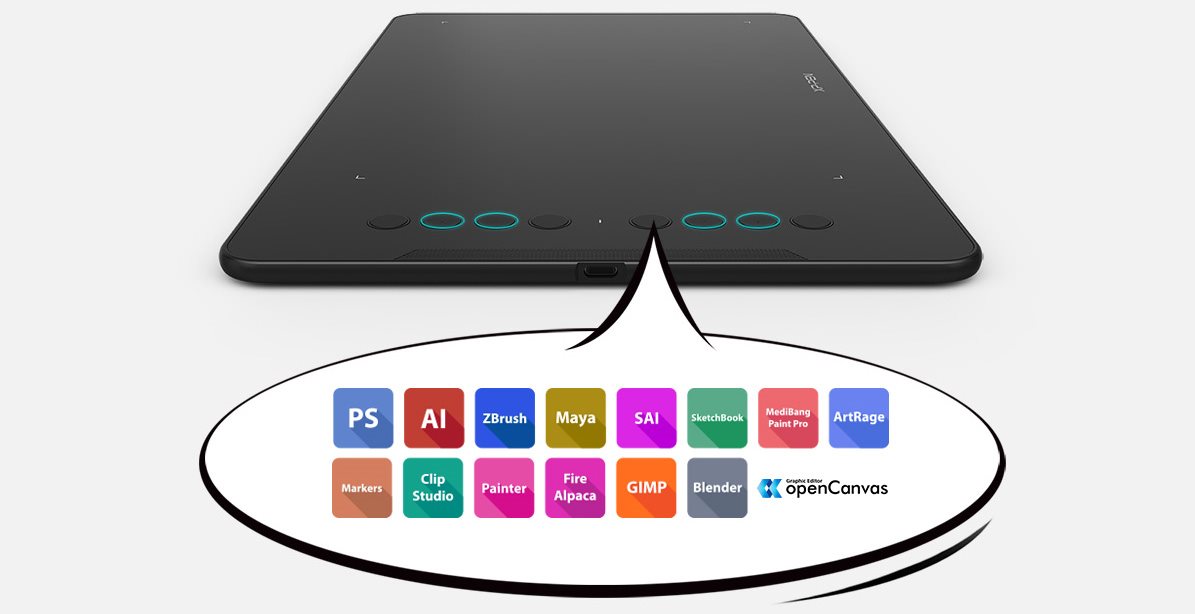
XP-PEN Deco 01 V2 works with almost any device
XP-PEN Deco 01 V2 supports a wide range of professional software such as Photoshop, Illustrator, GIMP, Blender, ZBrush, Maya, ArtRage and many more. The graphics tablet is compatible with Windows, macOS and also with mobile devices running Android 6 and higher. You can easily connect it to a tablet or smartphone (models with OTG support). The XP-PEN Deco 01 V2 tablet works with the XP-PEN Deco Draw App mobile application and a number of other drawing tools.
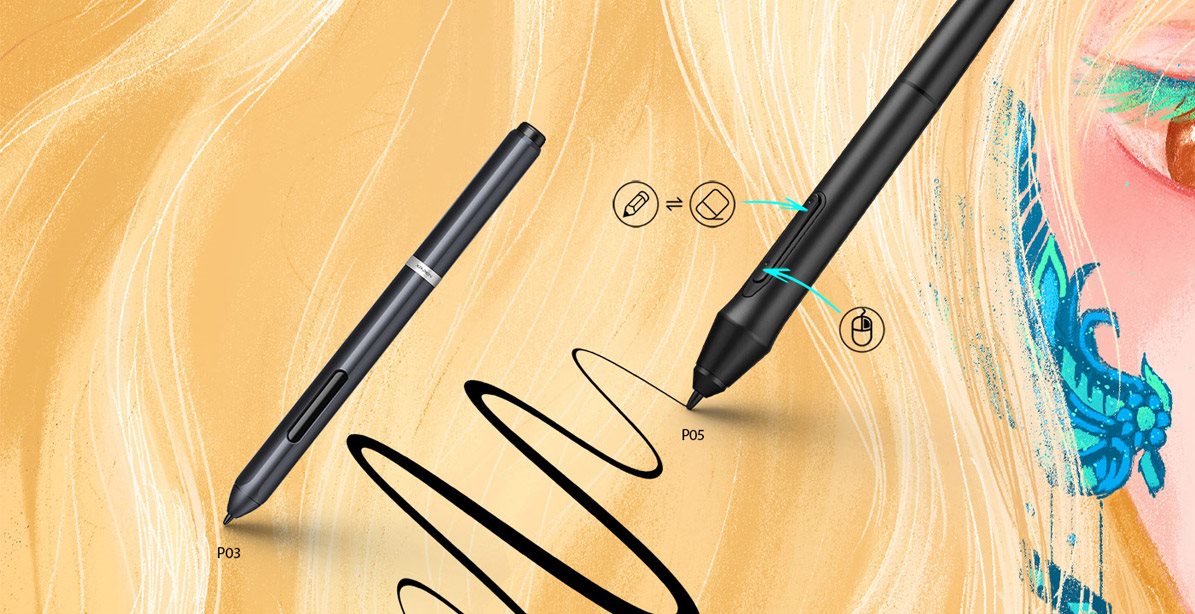
Enjoy a natural drawing experience
The enhanced P05 stylus supports up to 60 degrees of tilt for a more natural writing and drawing experience. This allows you to create smoother and more natural lines and strokes on the XP-PEN Deco 01 V2 with the option of adding shading . The passive pen has two buttons to activate the right button function and the erase mode. In addition, it does not require battery power for its operation.
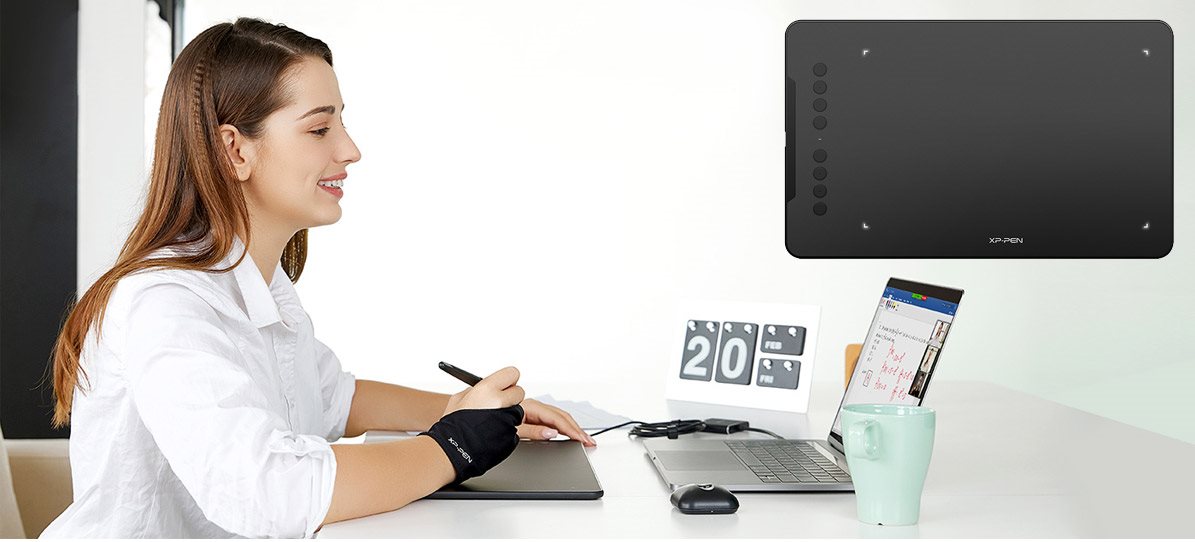
Easy operation with 8 programmable buttons
Everyday work with the XP-PEN Deco 01 V2 tablet is facilitated by eight buttons on the front, which can be assigned various functions according to your ideas so that you can achieve maximum efficiency in use. In poor lighting, the XP-PEN Deco 01 V2 tablets mark the work surface area with four light marks to make it easier for you to work.
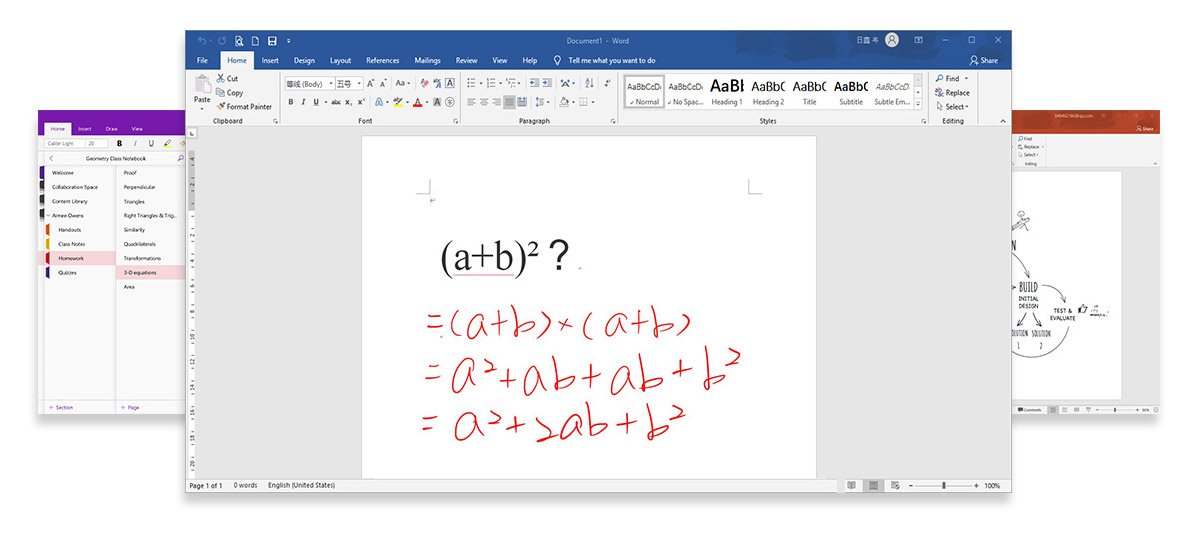
XP-PEN Deco 01 V2 is ideal for web conferencing and remote learning
With the XP-PEN Deco 01 V2 tablet, you can easily and quickly insert manual notes into Microsoft Office software documents such as Word, PowerPoint, OneNote and more . Editing and annotating documents can be done in real time while streaming, enlivening your web conferencing or distance learning.
Specifications
Type
Active surface width
Active surface height
Scanning layer resolution
Pressure levels
Display/Scanning surface
Type
Active surface width
Active surface height
Scanning layer resolution
Pressure levels
Connection and battery life
Connectivity
Dimensions and weight
Depth
Width
Height
Weight
More Specifications

HANVON UGEE FRANCE, Zella Zhang, 6 rue d’Armaillé, 75017 Paris, France, [email protected]
Note:
Specifications can be changed without notice. Images are for illustrative purposes only.
