



Ashampoo WinOptimizer Pro 29 (electronic license)

Don't like the alternatives? Choose from the full product list



Ashampoo WinOptimizer Pro 29 (electronic license)
Ashampoo WinOptimizer Pro 29 will help restore your system’s speed and stability
After using Windows for a while, it accumulates unnecessary files, temporary data, registry entries and traces of application usage. This is exactly what Ashampoo WinOptimizer Pro 29 is designed to handle, offering a comprehensive suite of tools for cleaning, optimising and managing your system. With just one click, it can remove unnecessary data, speed up your computer and enhance your privacy at the same time. Thanks to its user-friendly interface, it is suitable for both everyday users and those requiring more advanced system management.

Key features of Ashampoo WinOptimizer Pro 29 office software (digital licence)
- Optimising and cleaning up Windows
- One Click Optimizer with one-click automatic maintenance
- Software Updater for updating multiple apps at once
- Firewall Manager with network traffic and firewall rule management
- Drive Cleaner for removing unnecessary files
- Internet Cleaner and Privacy Traces Cleaner for deleting digital traces
- Registry Optimizer for cleaning the Windows registry
- Startup Manager for faster system boot-up
- Live-Tuner and Profile Booster boost your computer's performance
- DiskSpace Explorer and Crash Analyzer for system analysis
- Backup Manager and System Restore Manager for system recovery
- Automatic background optimisation and localisation into Czech, Slovak and English
Quick optimisation with a single click
Ashampoo WinOptimizer Pro 29 performs the most important maintenance tasks automatically via the One Click Optimizer feature. It combines the Drive Cleaner, Internet Cleaner and Registry Optimizer tools into a single process that removes unnecessary files, cleans the Windows registry and deletes traces of your internet browsing. The result is a faster and more efficient system.

More free space
One of the key strengths of Ashampoo WinOptimizer Pro 29 is its advanced tools for removing system junk. Drive Cleaner scans for unnecessary files taking up disk space, Internet Cleaner deletes data from web browsers , and Privacy Traces Cleaner removes sensitive user traces. Registry Optimizer also fixes invalid Windows registry entries. Regular cleaning can free up more space whilst improving the system’s stability and overall performance.

Better performance in day-to-day work
Ashampoo WinOptimizer Pro 29 uses a number of specialised tools to ensure a faster system start-up and smoother application performance. Live-Tuner automatically gives higher priority to active programmes, Startup Manager prevents unnecessary applications from launching at system startup , and Service Manager allows you to monitor services running in the background. Profile Booster also optimises system settings to make the most of available resources.
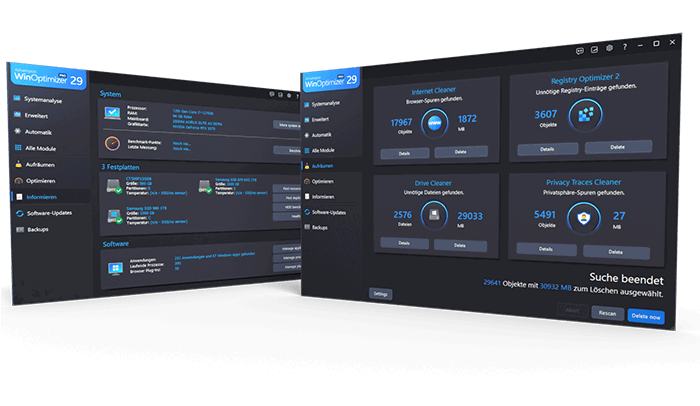
Ashampoo WinOptimizer Pro 29 protects your privacy and network communications
The package includes features designed to ensure safety and protect personal data. Privacy Manager helps you adjust your privacy settings in Windows and remove unwanted digital traces. The new Firewall Manager allows you to monitor network traffic, check for inactive or incorrect firewall rules, and configure permissions for individual applications. This will give you a better overview of which programmes are communicating with the network.
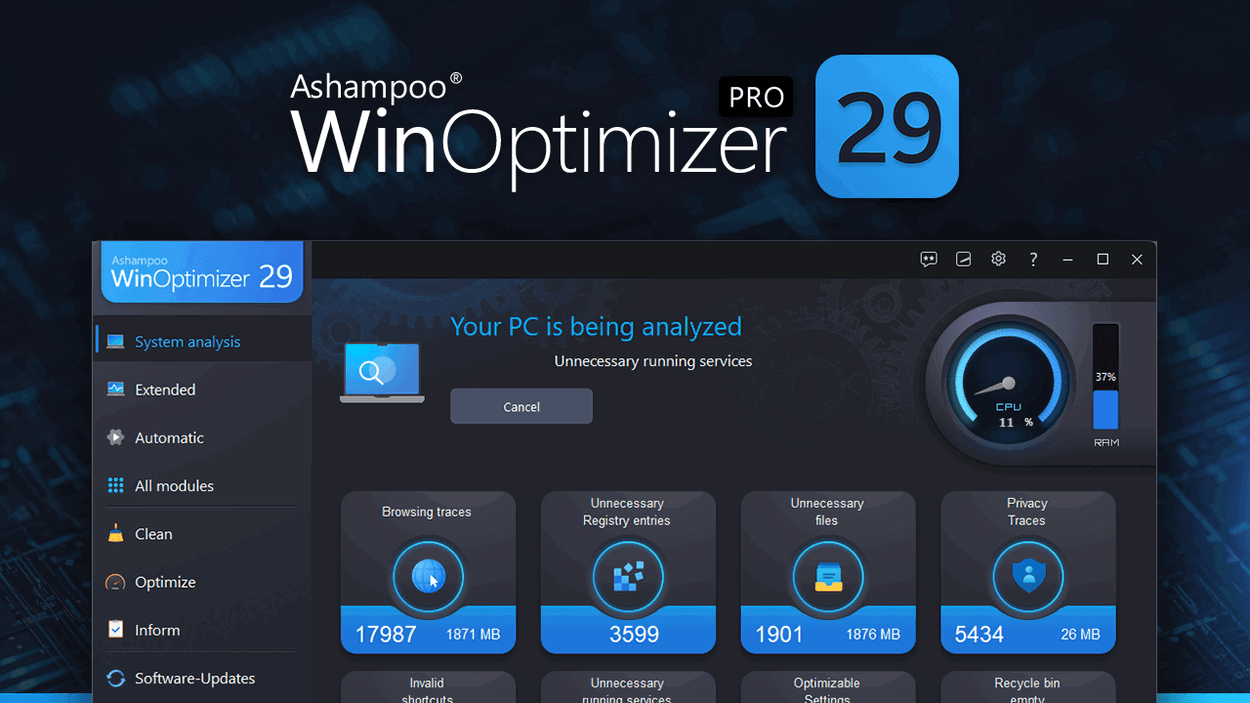
Practical tools
In addition to its optimisation features, Ashampoo WinOptimizer Pro 29 includes a range of useful tools for working with files. File Wiper allows you to securely delete data, Encrypter is used to encrypt files, Undeleter helps you recover deleted data , and File Splitter allows you to split large files. The package also includes Link Checker and other utilities that expand the system’s management capabilities.
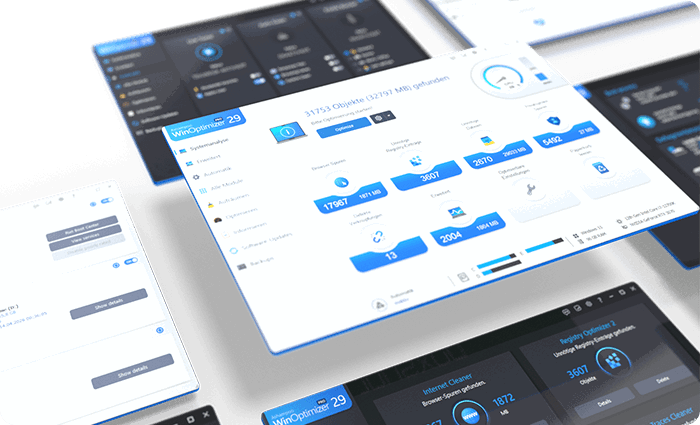
Automatic maintenance
Ashampoo WinOptimizer Pro 29 can perform regular cleaning and optimisation automatically in the background. This ensures that the system remains clean, stable and ready for use in the long term. The programme also includes Software Updater, which makes it easy to update multiple applications at once and helps keep your software up to date.

Clear diagnostics
To make managing your computer easier, Ashampoo WinOptimizer Pro 29 offers interactive welcome screens with problem analysis, dynamic dashboards and an overview of SVHOST-based processes. DiskSpace Explorer helps you identify the files taking up the most space, Crash Analyzer analyses system errors, and User Rights Manager simplifies the management of user permissions. System Restore Manager is also available for managing restore points, as well as Backup Manager, which allows you to save and restore changes made.
System requirements
- Windows 11, Windows 10 operating systems
- Systems with ARM processors are not supported.
- Screen resolution 1280 × 768 (recommended: (1920 × 1080).
- Full administrator rights are required to use the programme.
- An internet connection is required to activate the programme.
- The programme licence is checked at regular intervals.
Specifications
Basic parameters
License type
License
Compatibility
Language version
Number of devices
Specifications can be changed without notice. Images are for illustrative purposes only.
