



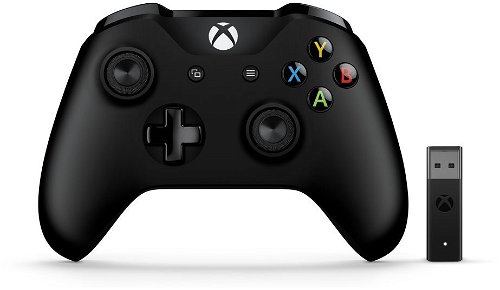




Gamepad Xbox One Wireless Controller + Wireless Adapter for Windows 10
This special edition of the Xbox One Wireless Controller has all the benefits of a standard wireless controller. In addition, it adds the ability to easily connect to a gaming computer running Windows 10.
Feel Every Impact
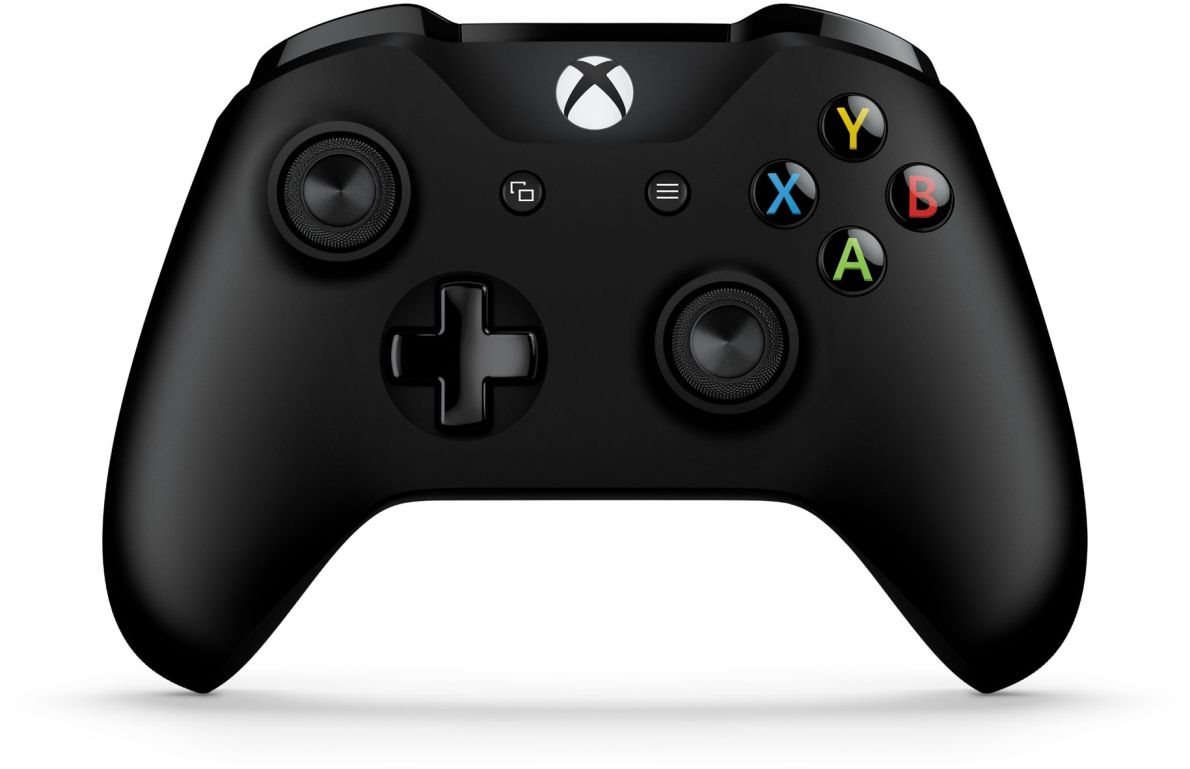
The Xbox One Wireless Controller is the successor of the award-winning Xbox 360 console driver. An even more intense gaming experience comes from the Impulse Trigger that provides haptic feedback. You will feel every bump, crash and kickback of your weapon. The unprecedented accuracy of the controls is provided by redesigned thumbsticks and improved directional control.
Excellent Ergonomics
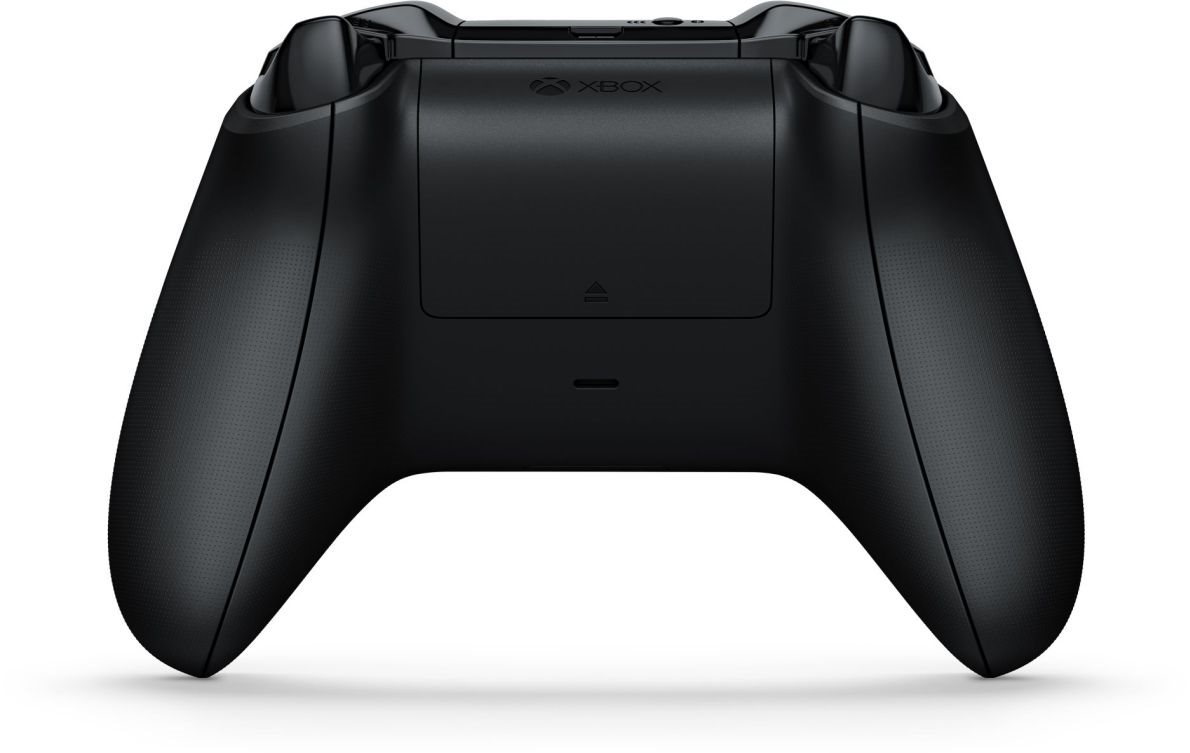
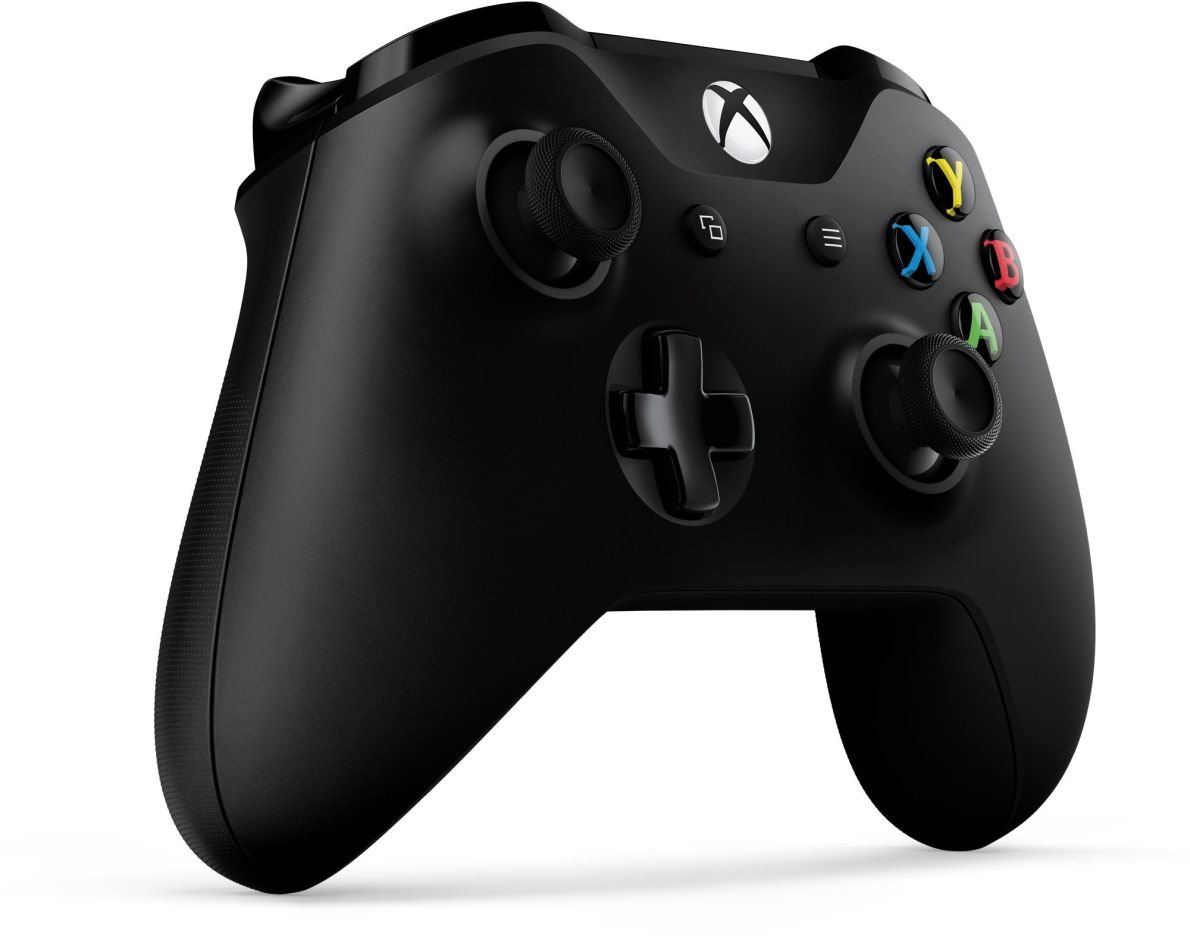
An improved shape and new design adapts to the size of your hand and allows a firm and secure grip in all circumstances. The body of the Xbox One Wireless Controller conceals the battery so you can hold it in a natural way to reach the buttons and thumbstick more easily. The non-slip surface of the thumbsticks prevents the thumb from sliding to ensure buttery smooth action.
Enjoy your Favourite Music
The new design comes with a directional control that instantly responds to gentle movements and shifts, allowing you to precisely handle each action. The Xbox One Wireless Controller also features a 3.5mm stereo jack to plug in a compatible headset.
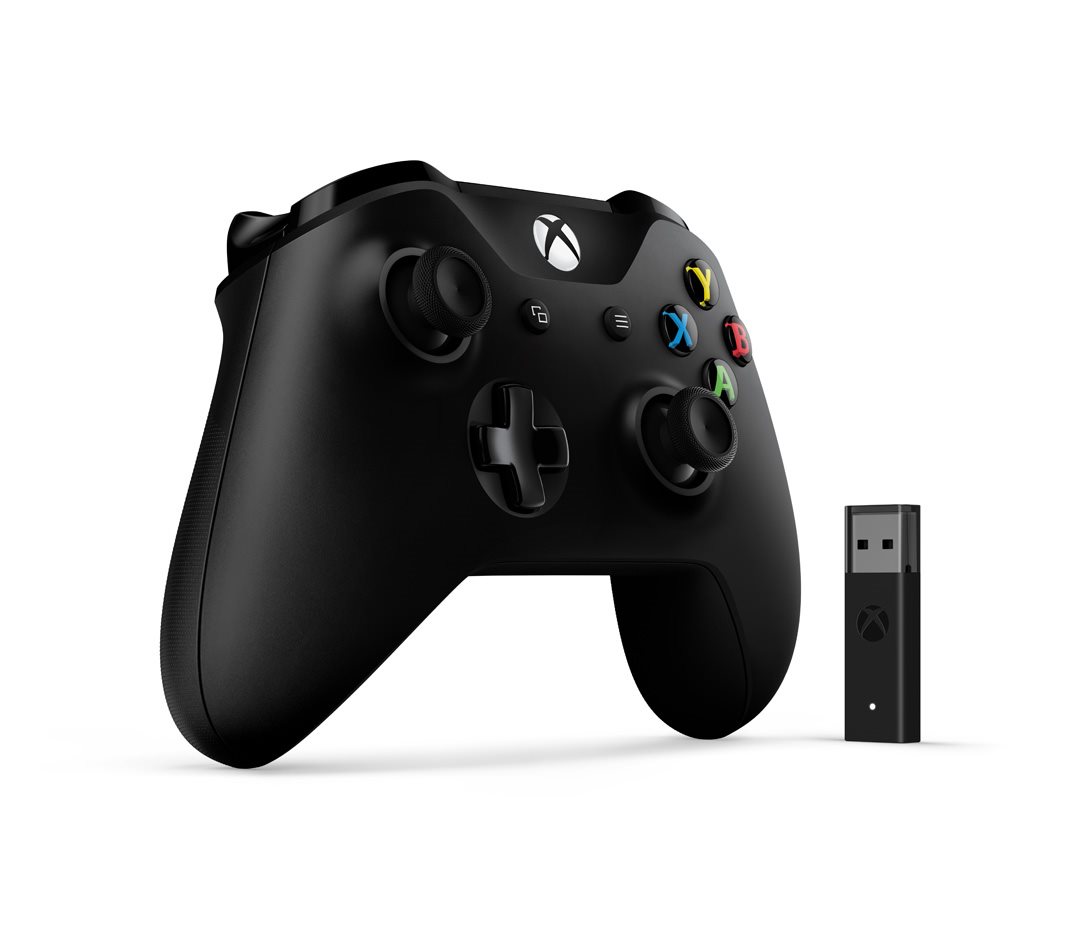
Package Contents
- Wireless Xbox One Controller in black.
- AA batteries
- Wireless adapter to connect the controller to your computer
- Compatible only with Windows 10
- Quick Installation Guide and Product Guide
- The Bluetooth connection requires the Windows 10 Anniversary Update and a USB 2.0 or USB 3.0 port.
- A major firmware upgrade may be required, and the connection may be charged by your ISP. Visit xbox.com/xboxone/controllerupdate for instructions on updating.
- Bluetooth connectivity is supported on computers, tablets and laptops, but not supported on mobile devices.
- No peripherals, such as a headset, keyboard, or stereo headset adapter for the Xbox, are supported by the Bluetooth adapter.
- We recommend using only one driver at a time via Bluetooth.
Instructions
- To pair the driver with your computer using Bluetooth, follow these steps:
- Verify that the Windows 10 Anniversary Update is installed on your computer. For information about how to get the latest Windows update, see Windows Update: frequently asked questions.
- Please update the driver for best performance. See the Update for the Xbox One Driver in Windows 10.
- Turn on the Xbox Wireless Controller by pressing the Xbox button.
- On the remote control, press and hold the pairing button for three seconds.
- On your computer, on the Start menu, select Settings> Devices> Bluetooth and other devices.
- Enable the Bluetooth option so your computer can search for Bluetooth devices.
- Select Wireless> Xbox> Pair.

