Gray Zone Warfare - Steam Digital 31.90 € Currently Unavailable
Gray Zone Warfare - Steam Digital
A story from Asia
On a mysterious island in Southeast Asia, a mysterious event occurred that led to the quarantine of the entire area.
Mysterious events
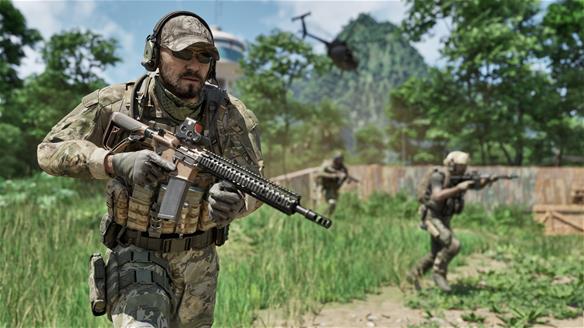
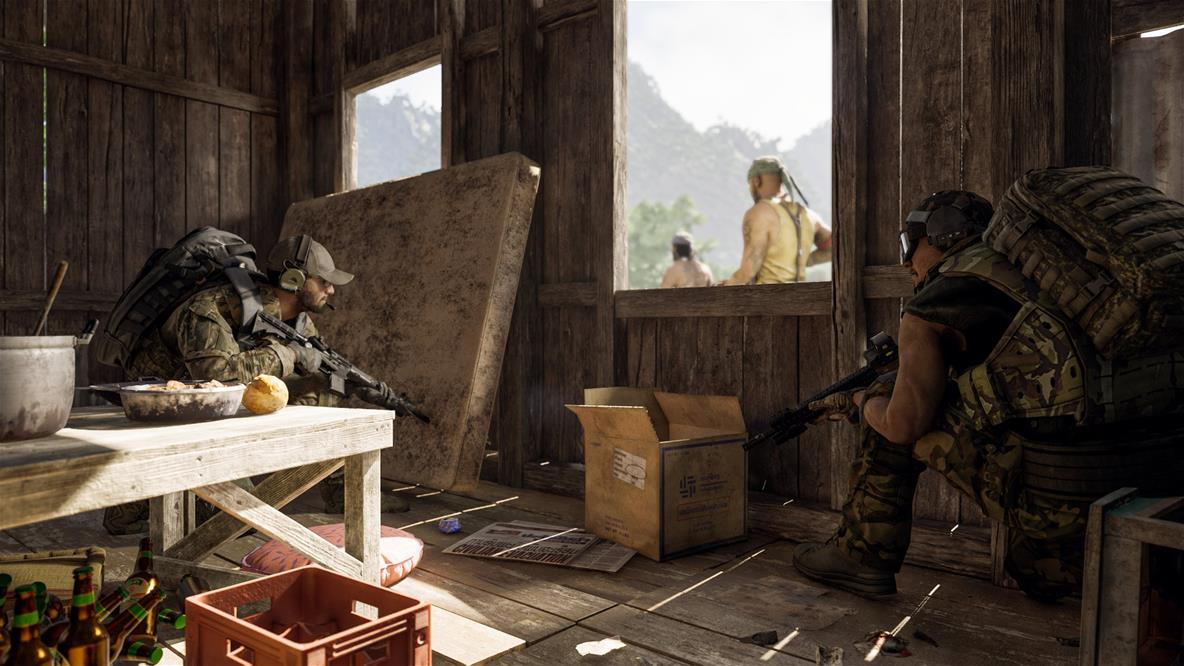
After the United Nations evacuated almost all civilians, three private military companies were hired by mysterious clients to explore the region, uncover its secrets and retrieve any valuable items.
Mysterious artefacts
This island is now a dangerous adventure filled with unknown threats and mysterious artifacts.
LHR
Your decisions change the course of Gray Zone Warfare
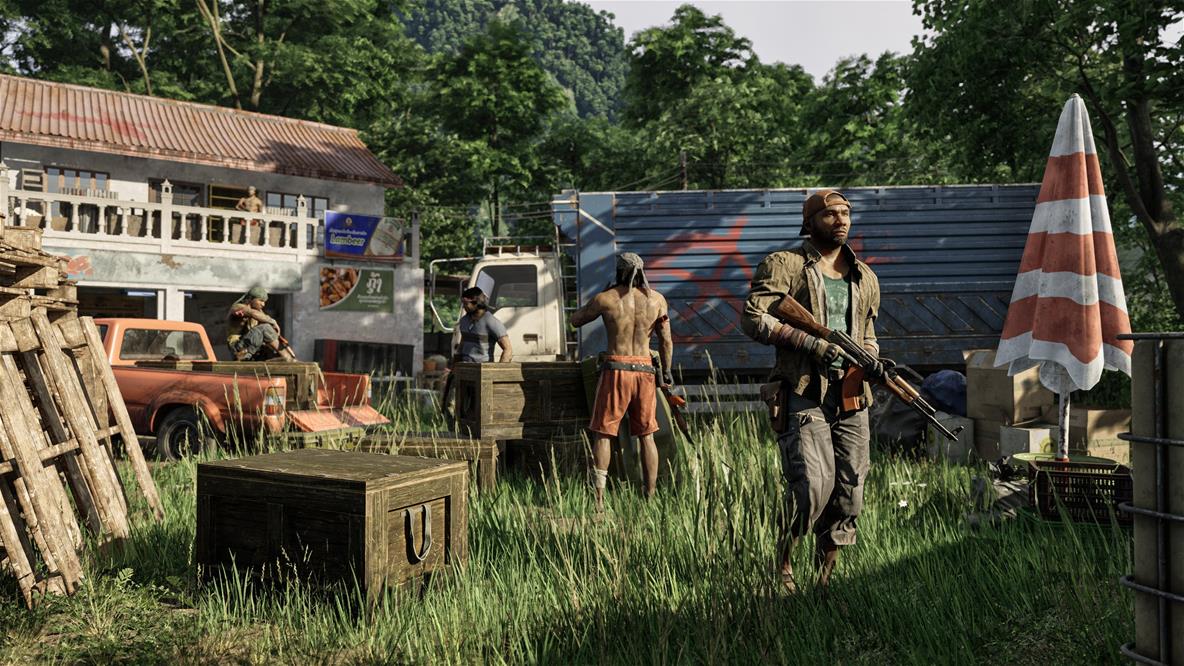
You will progress through the story through many missions and get deeper and deeper. Think carefully about who you trust. Each character has secrets with hidden personal agendas. Untangle the web of lies and expose the truth. Nothing is black and white and every decision can have significant consequences.
FPS
Strategy is the basis for success
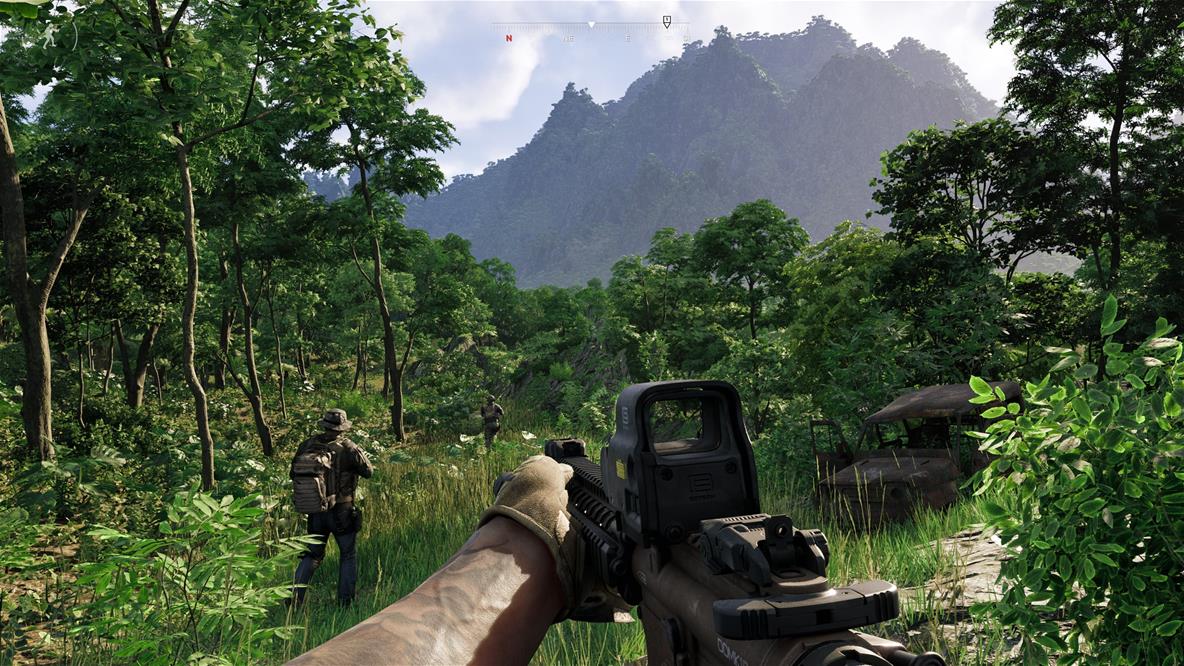
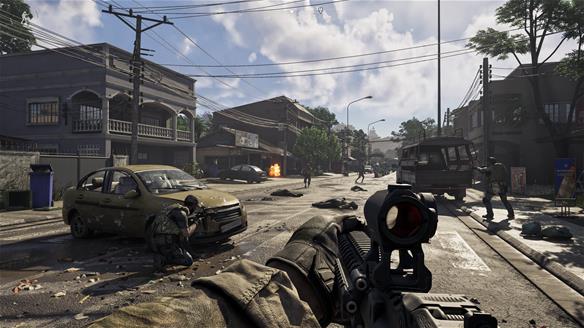
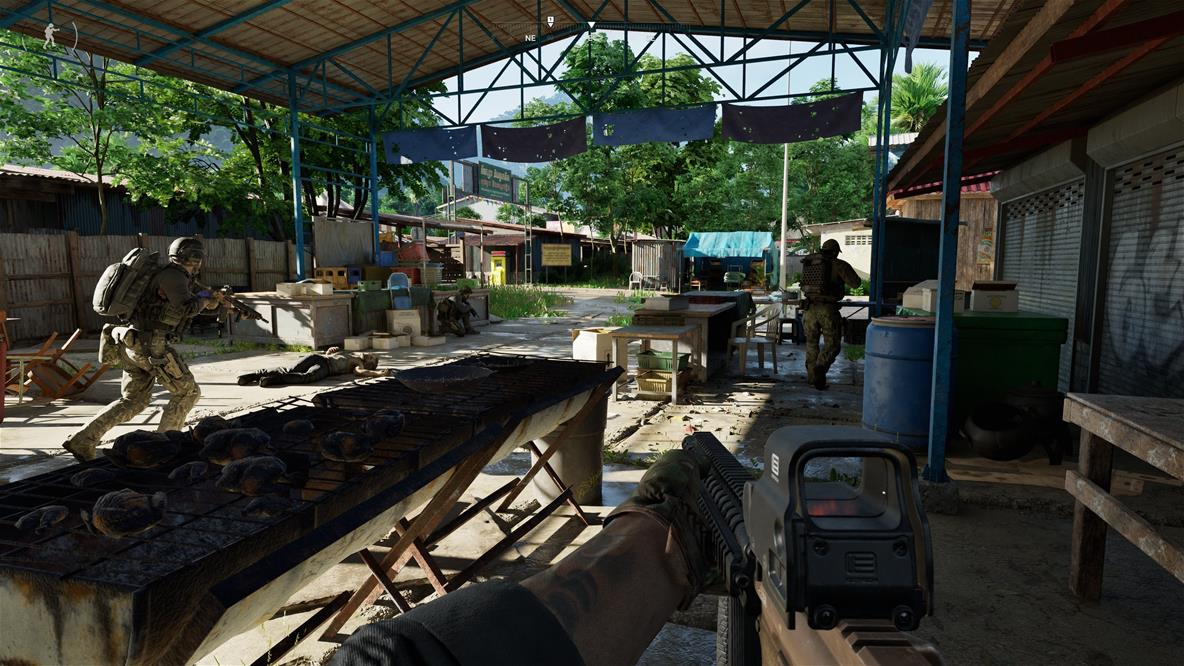
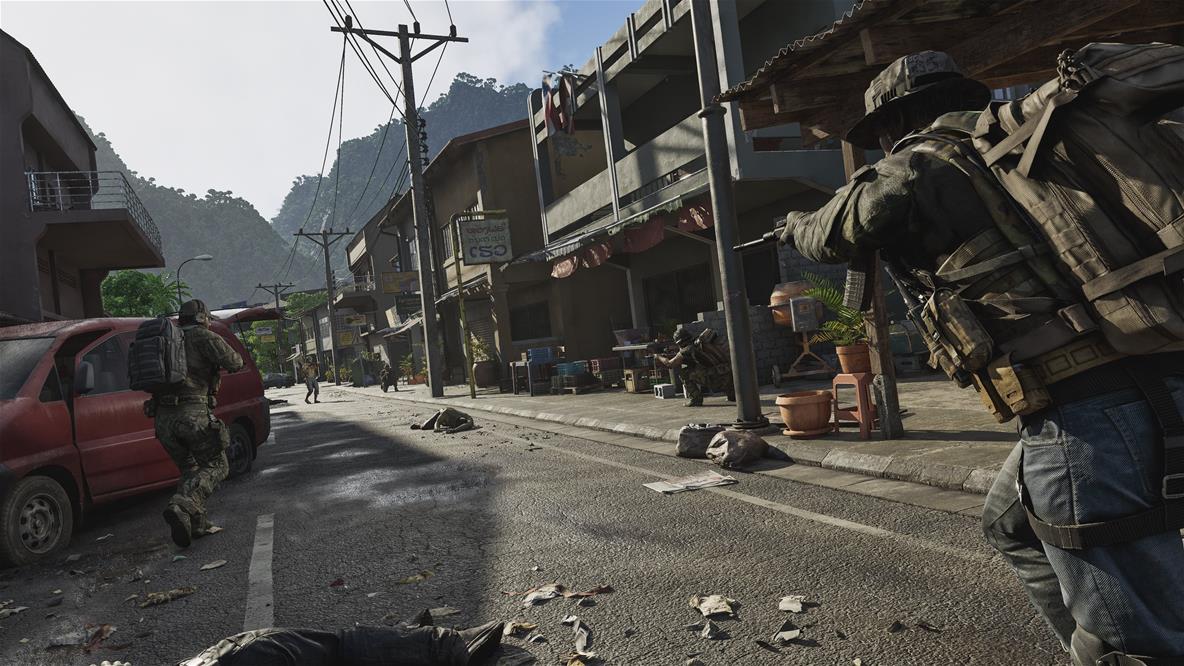
Gray Zone Warfare immerses you in an intense tactical FPS with a realistic ballistic simulation indistinguishable from the real world. You will have authentic ballistic models at your disposal. Each advance may mean the loss of heavily loaded equipment. Only those who can plan well and make strategic decisions will survive. Customize your own gun to perfectly suit your needs and playing style. Change, remove or add hundreds of different parts and accessories to adapt the behaviour and performance of each weapon to any situation. Flexibility and personalisation will give you the edge in every encounter.
AUTHENTICITY
Realistic experiences through the perception of body health
Get ready for a realistic simulation of the human body with Gray Zone Warfare's unique health system. Forget the usual hitpoints. An injured body will affect your perception and also your performance. Proper identification and treatment of injuries are key elements. Your health affects the entire mission and the progress of your teammates. Plus, it adds to the tension and authenticity of the gaming experience.
OPENWORLD
Dynamic open interactive world
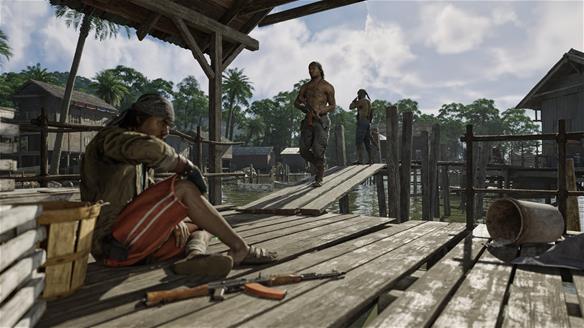
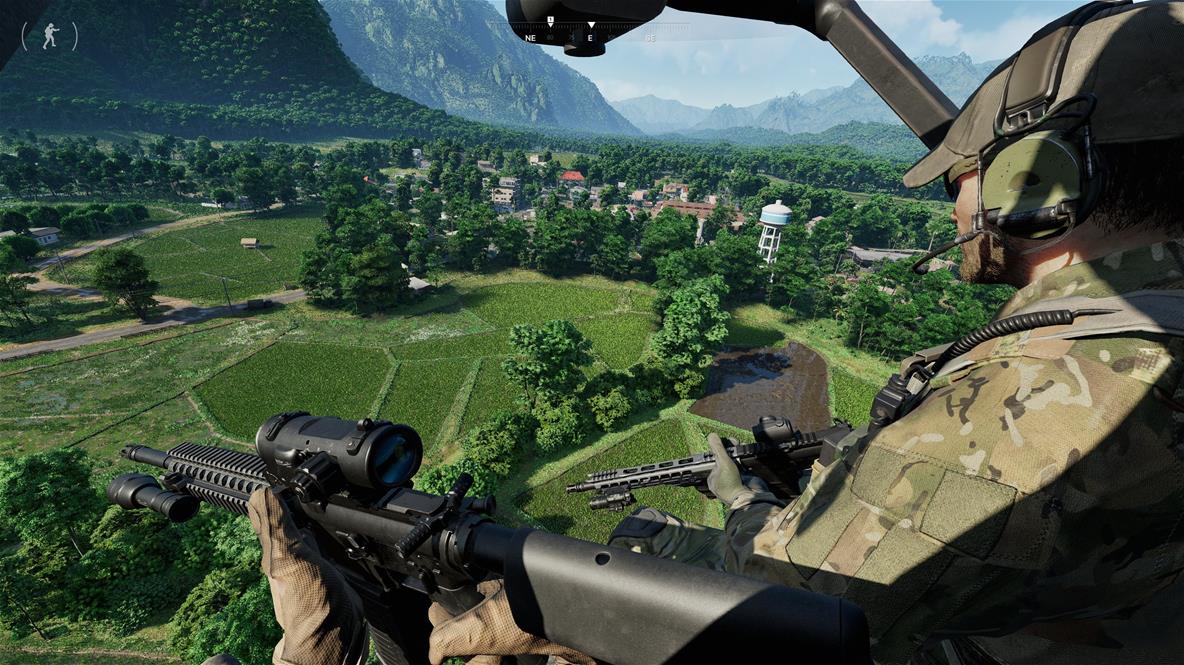
Gray Zone Warfare has 42 km² of space for you to explore. Set in the Democratic Republic of Lamang, it is inspired by the breathtaking landscape of Laos. Move around using the helicopter and remember that the world around you has a life of its own, even when you're not playing. A dynamic and open world full of interactive elements promises endless possibilities. Gray Zone Warfare is a complex and realistic world that offers not only an intense gameplay experience, but also a deep story and strategic thinking capabilities. Prepare yourself for the constant challenges and tension that await you at every turn in an unexplored and dangerous zone.
If you have any problems redeeming your prepaid code, please contact Steam Support: help.steampowered.com/en
Note:
Note that some games may require:
a digital store account with a particular service - MS Store, Origin, Steam, Uplay etc. (you can find out more in our article on how to apply your electronic licences)
broadband internet connection for online gaming, initial setup, updates, and more
a monthly subscription fee for online multiplayer gaming (Xbox Live, PlayStation Plus, etc.)
Specifications can be changed without notice. Images are for illustrative purposes only.
Try our cookiesAlza.cz a. s., Company identification number 27082440, use cookies and other data to ensure the proper functioning of the website and, with your consent, also, among other things, to personalize advertising and the content of our websites. By clicking on the “I understand“ button, you agree to the use of cookies and the transfer of data regarding the behavior on the website for displaying targeted advertising on social networks and advertising networks on other websites.
We use 8 categories of cookies on our website:
Technical cookies
These are strictly necessary for the functioning of the website and the features you choose to use. Without them, our website would not work; you wouldn't be able to log in to your user account, for example.
Functionality cookies
These cookies allow us to remember your basic choices and improve the user experience. These include remembering your preferred language or allowing you to stay logged in permanently.
Social media cookies
These cookies allow us to easily link you to your social media profile and, for example, allow you to share products and services with your friends and family.
Content personalisation
These cookies allow us to show you content and ads according to the information we have about you to best meet your needs. This includes what content you have viewed, or on what device you are accessing our website.
Non-personalised advertising
These cookies allow us to show you general ads for products and services.
Personalised advertising
Thanks to these cookies, we and our partners can offer you relevant products and services based on your purchases, your shopping behaviour and your preferences.
Audience metrics
These cookies allow us to optimise our site for your convenience based on how you use it. The aim is to remember or anticipate your choices. This includes, for example, the use of features, their location, or the behaviour on the page.
By giving your consent to the processing of cookies, functionality and analytical cookies will be installed on the device you use to browse the website (click on the "I understand" button for both categories, or you can select only one of the categories by clicking on the "Settings" button). We always install technical cookies on your device, even without your explicit consent, because without them our website would simply not work.
You can revoke your consent to the processing of cookies. In connection with our company's cookie processing, you also have the following rights: the right to access cookies, delete, modify, supplement and correct them, restrict processing and the right to lodge a complaint with the Office for Personal Data Protection. Read more about your rights.