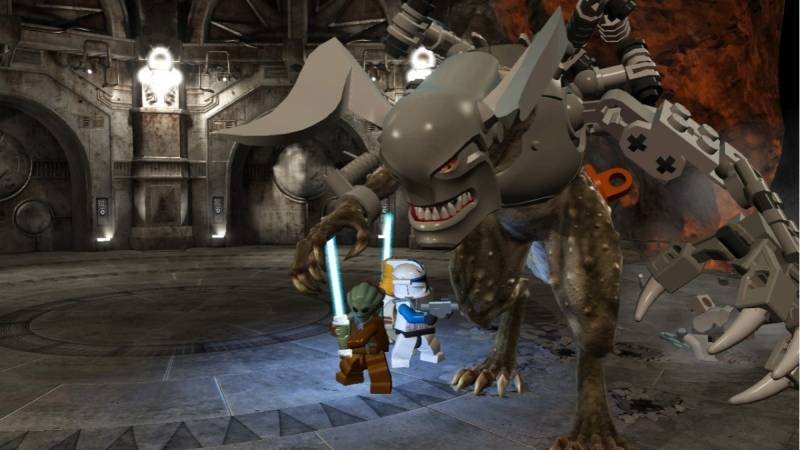
Lego Star Wars III: The Clone Wars (PC) DIGITAL 18 € Available for download
Buy
Lego Star Wars III: The Clone Wars (PC) DIGITAL
76 %
The whole intent to entertain with a nice gameplay and a nice humor is doing well this time.
What you can look forward to in Lego Star Wars III: The Clone Wars
You will eventually experience the whirlwind of events between the second and third episodes of Star Wars
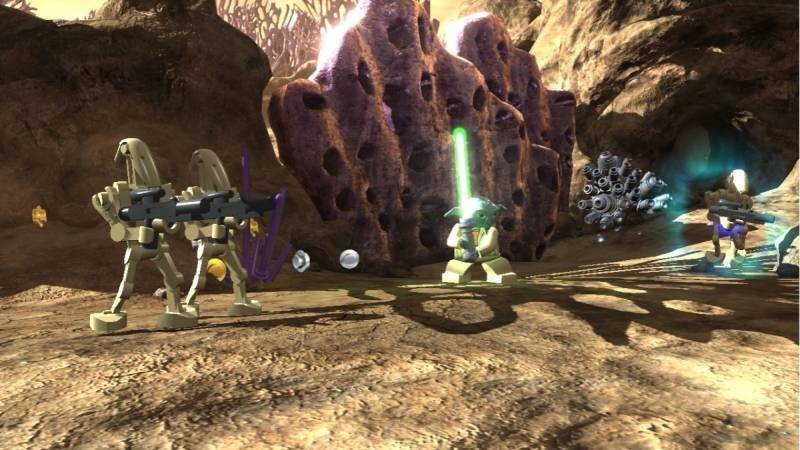
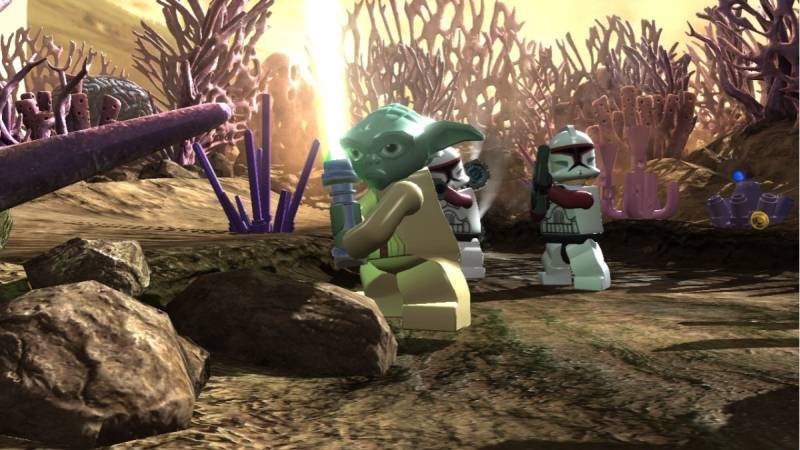
Play for the Jedi, clone soldiers, droids - just for whatever you like Star Wars fan always wanted to be
In the battles, you will face the demanding bosses in addition to regular enemies
The arsenal of characters and their abilities are so varied that you will spend a great portion of game time exploring and testing them
The game will not reward you for nothing: in a lot of situations, do not move a little further
In cooperative mode, Star Wars can be played in multiple players
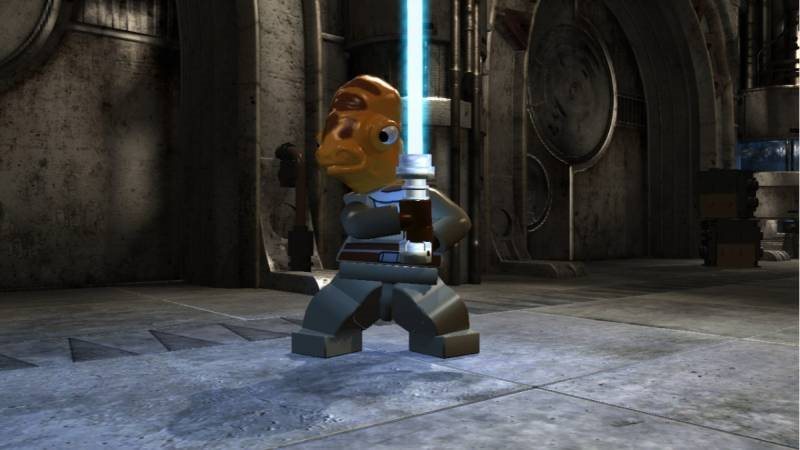
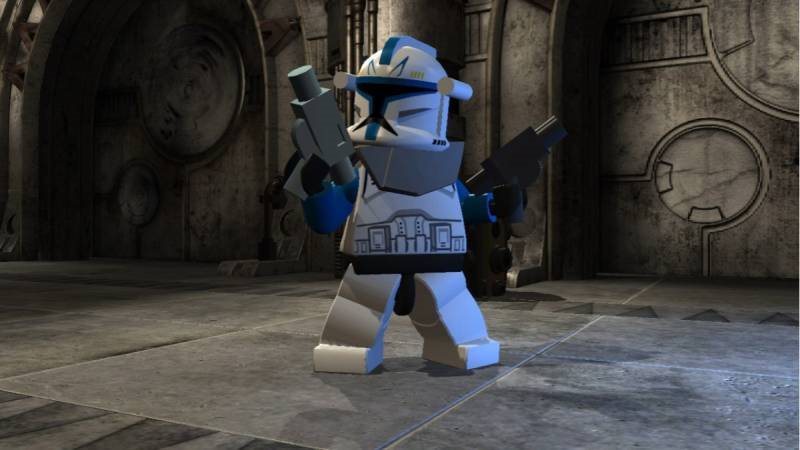
As a true star wars fan you will appreciate the opportunity to play for any character from the popular Star Wars: The Clone Wars series. Choose not only the Jedi, you can play as a soldier of the Clone Army, the Separatist, or the droid.
Quantum of game content expands a great deal of bonuses and hidden sites that you need to engage in mindfulness and creativity.
A storyline based on the film series
The action game maps events between the second and third episodes of Star Wars. You will discover a progressive swarming plot by Senator Palpatine, or you will see how the mighty Jedi grows from Anakin Skywalker. In addition, the game is heavily influenced by humor, so it will definitely not be fun.
The arsenal of characters and abilities is rich and sophisticated
When revealing hidden content, you'll try out all the combinations of game characters in sequence: just to unravel a variety of puzzles. The Jedi have Power, but they do not excel in technique. And at that moment it's great to have a droid-capable team. You will notice the difference between the characters. Some Jedi fight with the sword rather forcefully, others prefer speed and shrewdness.
Earth battles alternate air battles in the cosmos
A very varied range of missions will once throw you into the forefront of the space battle, the second time you will face riddles that can not handle without a little thought. Of course, there are also ground battles: in which you will fill the spawning points in order to overcome the enemy's side in numbers.
Recommended HW requirements
Operating system
Windows XP / Vista / 7
Processor
Intel Core 2 Duo
Graphic arts
ATI Radeon HD 2900
DirectX
-
FRAME
512 MB
HDD
8 GB
Minimum HW requirements
Operating system
Windows XP / Vista / 7
Processor
Intel Pentium 4 2.24 GHz
Graphic arts
ATI Radeon X1300
DirectX
-
FRAME
512 MB
HDD
8 GB
Are you really ready for this game?
choose from our range of gaming and laptop computers
If you have any problems redeeming your prepaid code, please contact Steam Support: help.steampowered.com/en
Note:
Note that some games may require:
a digital store account with a particular service - MS Store, Origin, Steam, Uplay etc. (you can find out more in our article on how to apply your electronic licences)
broadband internet connection for online gaming, initial setup, updates, and more
a monthly subscription fee for online multiplayer gaming (Xbox Live, PlayStation Plus, etc.)
Specifications can be changed without notice. Images are for illustrative purposes only.
Try our cookiesAlza.cz a. s., Company identification number 27082440, use cookies and other data to ensure the proper functioning of the website and, with your consent, also, among other things, to personalize advertising and the content of our websites. By clicking on the “I understand“ button, you agree to the use of cookies and the transfer of data regarding the behavior on the website for displaying targeted advertising on social networks and advertising networks on other websites.
We use 8 categories of cookies on our website:
Technical cookies
These are strictly necessary for the functioning of the website and the features you choose to use. Without them, our website would not work; you wouldn't be able to log in to your user account, for example.
Functionality cookies
These cookies allow us to remember your basic choices and improve the user experience. These include remembering your preferred language or allowing you to stay logged in permanently.
Social media cookies
These cookies allow us to easily link you to your social media profile and, for example, allow you to share products and services with your friends and family.
Content personalisation
These cookies allow us to show you content and ads according to the information we have about you to best meet your needs. This includes what content you have viewed, or on what device you are accessing our website.
Non-personalised advertising
These cookies allow us to show you general ads for products and services.
Personalised advertising
Thanks to these cookies, we and our partners can offer you relevant products and services based on your purchases, your shopping behaviour and your preferences.
Audience metrics
These cookies allow us to optimise our site for your convenience based on how you use it. The aim is to remember or anticipate your choices. This includes, for example, the use of features, their location, or the behaviour on the page.
By giving your consent to the processing of cookies, functionality and analytical cookies will be installed on the device you use to browse the website (click on the "I understand" button for both categories, or you can select only one of the categories by clicking on the "Settings" button). We always install technical cookies on your device, even without your explicit consent, because without them our website would simply not work.
You can revoke your consent to the processing of cookies. In connection with our company's cookie processing, you also have the following rights: the right to access cookies, delete, modify, supplement and correct them, restrict processing and the right to lodge a complaint with the Office for Personal Data Protection. Read more about your rights.