Archive - WiFi Routers & Access Points

Choosing the right wireless router depends primarily on its required speed and the type of data transfers that you want it to do. The maximum speeds are determined by the router's transmission standards which use two different frequency bands. These are common for both routers and end devices such as mobile phones. The less congested 5 GHz band is better for intense data transmissions and high-volume data transfers that are needed for online gaming or streaming video in HD quality. For simpler tasks, such as sending e-mail or web browsing, the 2.4 GHz band is fully sufficient. And what are the differences between the standards?

Was this information useful?
This form is used only for evaluating the information in the description above.
If you have any question about our products, services, transport or any other request, please contact our customer support.

What should be improved? Is anything missing here? Is anything wrong? Share it with us.
1,119 Results
5.0 4×
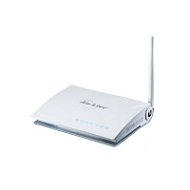
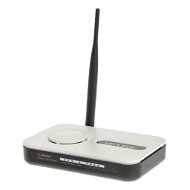
Ovislink AirLive G.DUO
WiFi Access Point Dual AP - possibility of operation in both client and AP mode simultaneously, 802.11b/g (11/54Mbps), detachable antenna, 1x WAN, 4x LAN
Discontinued
Order Code: OV269e
4.0 2×
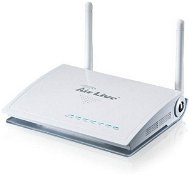
Ovislink AirLive Air3G
WiFi Access Point 1x USB for 3G module, 802.11b/g/n lite (11/54/150Mbps), 1x WAN, 4x LAN (LAN1 12V Passive PoE Port)
Discontinued
Order Code: OV269
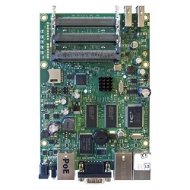
Mikrotik RB433UAH
Routerboard
Discontinued
Order Code: PW020d3
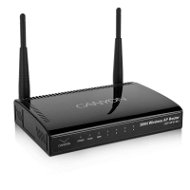
Canyon CNP-WF514N3
WiFi Access Point WiFi 802.11b/g/n (11/54/300Mbps) modes AP, Client, 1x WAN, 4x LAN
Discontinued
Order Code: CC430a
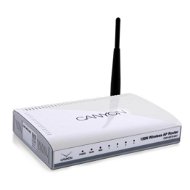
Canyon CNP-WF514N1
WiFi Access Point
Discontinued
Order Code: CC430
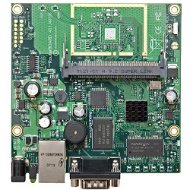
Mikrotik RB411AH
Routerboard
Discontinued
Order Code: PW020b
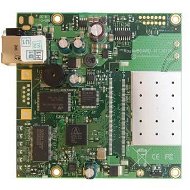
Mikrotik RB411R
Routerboard
Discontinued
Order Code: PW019p2
ASUS RT-N12
WiFi Access Point WiFi Access Point/Router - 802.11n 300 Mbps, 4x LAN, 1xWAN
Discontinued
Order Code: NM145n1
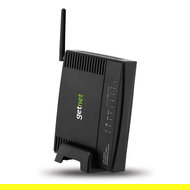
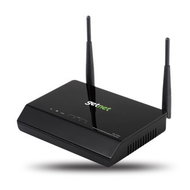
GETNET GR-534W
WiFi Access Point
Discontinued
Order Code: FO010f
4.0 1×
GETNET GA-324WB
ADSL2+ Modem
Discontinued
Order Code: FO020
2.0 2×
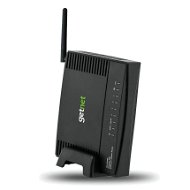
GETNET GR-724W
WiFi Access Point
Discontinued
Order Code: FO011
2.0 1×
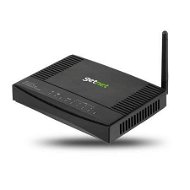
GETNET GR-124W
WiFi Access Point
Discontinued
Order Code: FO010
TP-LINK TD-W8910GB
ADSL2+ Modem
Discontinued
Order Code: TP783
4.6 8×
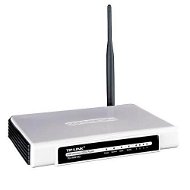
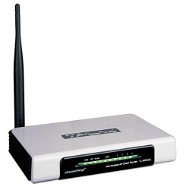
TP-LINK TL-WR543G
WiFi Router WiFi 802.11b/g modes AP, Client, detachable antenna, 1x WAN, 4x LAN
Discontinued
Order Code: TP629f
4.0 1×
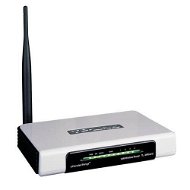
TP-LINK TL-WR542G
WiFi Router WiFi 802.11b/g, 5dBi detachable antenna, 1x WAN, 4x LAN
Discontinued
Order Code: TP629e
4.4 12×
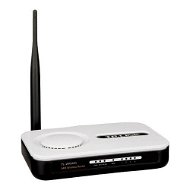
TP-LINK TL-WR340GD
WiFi Router WiFi 802.11b/g (11/54Mbps), detachable antenna, 1x WAN, 4x LAN
Discontinued
Order Code: TP629b2
4.4 6×
TP-LINK TL-WR340G
WiFi Router WiFi 802.11b/g (11/54Mbps), fixed antenna, 1x WAN, 4x LAN
Discontinued
Order Code: TP629b1
4.5 387×
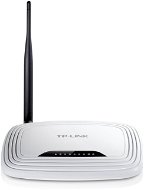
TP-LINK TL-WR740N
WiFi Router - WiFi 802.11b/g/n lite (11/54/150Mbps), fixed antenna, 1x WAN, 4x LAN
Discontinued
Order Code: TP630c
4.4 784×
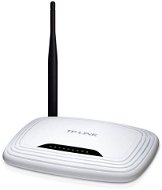
TP-LINK TL-WR741ND
WiFi Router WiFi 802.11b/g/n 150Mbps, detachable antenna, 1x WAN, 4x LAN
Discontinued
Order Code: TP630b
4.5 1,506×
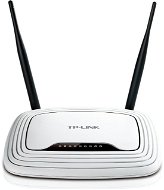
TP-LINK TL-WR841ND
WiFi Router 802.11b/g/n up to 300Mbps, removable antenna, 1x WAN, 4x LAN
Discontinued
Order Code: TP630
5.0 1×
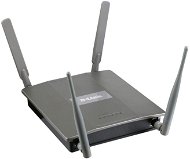
D-Link AirPremierAG DWL-8600AP
WiFi Access Point function with the client, up to 300Mbps, 802.11a/b/g/n Dual-Band, PoE, 1 GLAN
Discontinued
Order Code: NN256
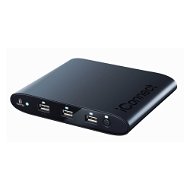
IOMEGA iConnect Wireless Data Station
Data Storage
Discontinued
Order Code: FR910f
3.0 1×
Access Point/ Bridge/ Firewall - 802.11n, 4x LAN, 1x WAN
WiFi Access Point
Discontinued
Order Code: NF045o
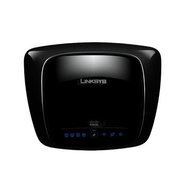
Linksys WRT160N
WiFi Access Point
Discontinued
Order Code: LY051b

Archive - WiFi Routers & Access Points - additional info

Active element in a wireless WiFi network represents a device that acts as an access point (AP) or router. These devices offer facilities that connect a computer, multiple computers or other network devices (clients), and are responsible for subsequent communication and connection to wireless networks. They can also be used to create a wireless network. Active devices are most commonly used to create wireless home or office networks, where the computer (client) connects wirelessly, while the active element is connected to a cable Internet connection (eg. ADSL, cable internet) for sharing Internet access. Active elements can simply be used to wirelessly connect two computers without a line of sight. Line of sight is in fact ideal for establishing a wireless connection between two points.

Was this information useful?
This form is used only for evaluating the information in the description above.
If you have any question about our products, services, transport or any other request, please contact our customer support.
What should be improved? Is anything missing here? Is anything wrong? Share it with us.


Über 200-mal in Wien und Umgebung Genieße die 24/7-Abholung aus der AlzaBox. More info »
Try our cookies Alza.cz a. s., Company identification number 27082440, use cookies and other data to ensure the proper functioning of the website and, with your consent, also, among other things, to personalize advertising and the content of our websites. By clicking on the “I understand“ button, you agree to the use of cookies and the transfer of data regarding the behavior on the website for displaying targeted advertising on social networks and advertising networks on other websites.
Detailed settings
Alzak icon
P-DC1-WEB40

Über 200-mal in Wien und Umgebung Genieße die 24/7-Abholung aus der AlzaBox. More info »