



SwitchBot Blind Tilt
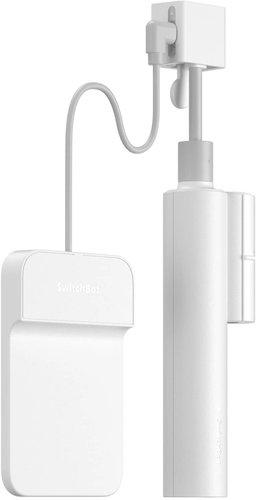


SwitchBot Blind Tilt

No alternative text for the photo!
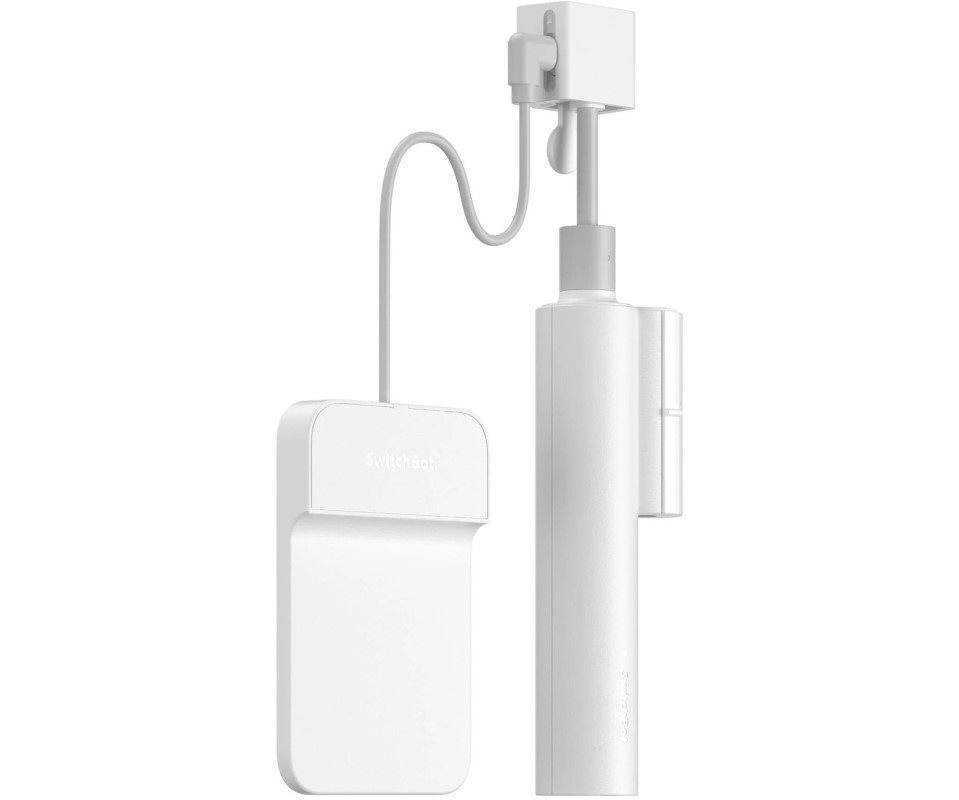
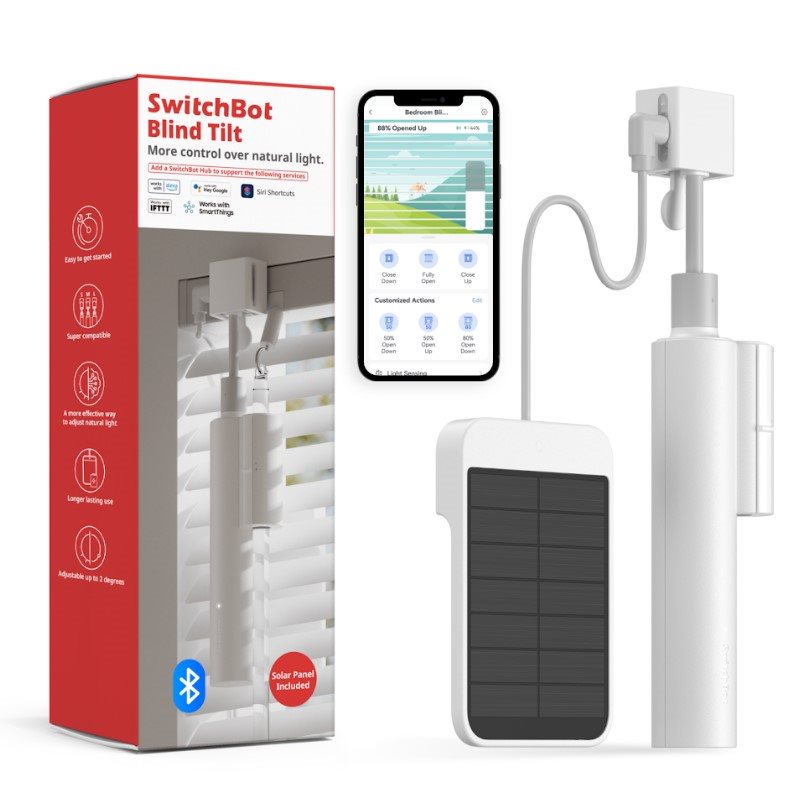
SwitchBot Blind Tilt remote control for blinds with swivel poles
SwitchBot Blind Tilt turns your horizontal blinds with a swivel pole into a smart device in an instant. You will extend and retract the blinds simply via the mobile app via Bluetooth. The SwitchBot Blind Tilt is powered by the solar panel included in the package. Of course, it is possible to schedule the times when the blinds are to be opened or closed by themselves, or alternatively. You will appreciate the built-in light sensor that will automatically close the blinds - at the selected intensity of sunlight. If you want the help of one of the voice assistants or to control the blinds outside the home, you need to connect the SwitchBot Blind Tilt to your smart home via the central unit (not included).
No alternative text for the photo!
No alternative text for the photo!
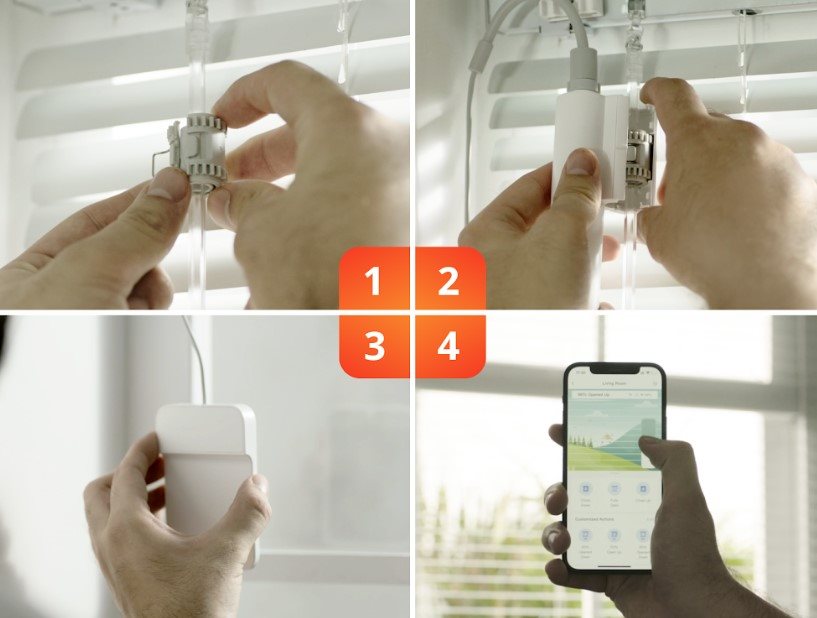
Easy installation
The SwitchBot Blind Tilt remote control can be used on horizontal blinds with a swivel pole, which is very easy to fit. Included in the package is a solar panel to charge the SwitchBot Blind Tilt. Then you just need to connect the control to your mobile phone via Bluetooth, or alternatively. a central unit for remote access (not included) can be used.
No alternative text for the photo!
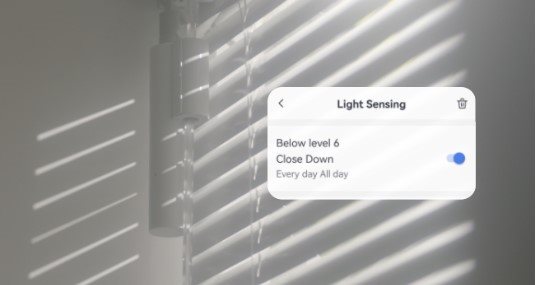
Built-in light sensor
Set the mobile app to automatically retract the blinds according to the intensity of sunlight. That way you don't have to get up from the sofa or look for your mobile phone every time the sun starts bothering you. SwitchBot Blind Tilt will handle it for you. Timers can be set just as easily.
No alternative text for the photo!
Key Features of SwitchBot Blind Tilt Remote Control
- SwitchBot Blind Tilt turns your blinds into a smart device
- For horizontal blinds with swivel bars with a diameter of 6.2 to 12 mm
- Bluetooth connection with mobile phone
- Charging by solar panel, or. USB-C connector
- Built-in light sensor
- Possibility to set timers
- For remote control or use of voice assistants, a central unit must be purchased
Add Carousel
Insert product group ID
To cancel an existing carousel, just click on the Add product without value button!
To purchase you will need
Specifications
Connection
Connectivity
Use
Features and functions
Usage
Dimensions
Specifications can be changed without notice. Images are for illustrative purposes only.
