



TP-Link RE315
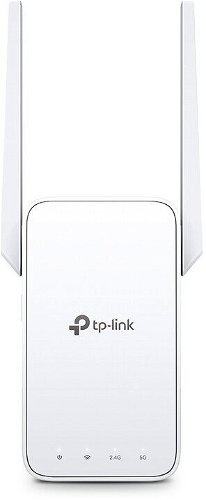

TP-Link RE315
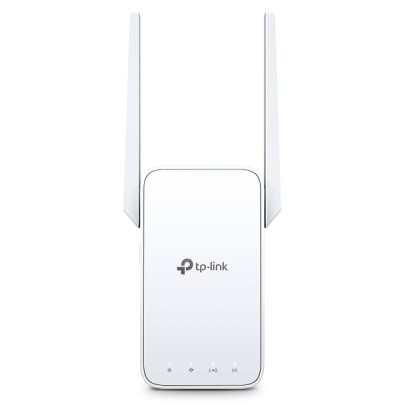
TP-Link RE315 WiFi mesh extender
- Covers your entire home with a stable WiFi signal
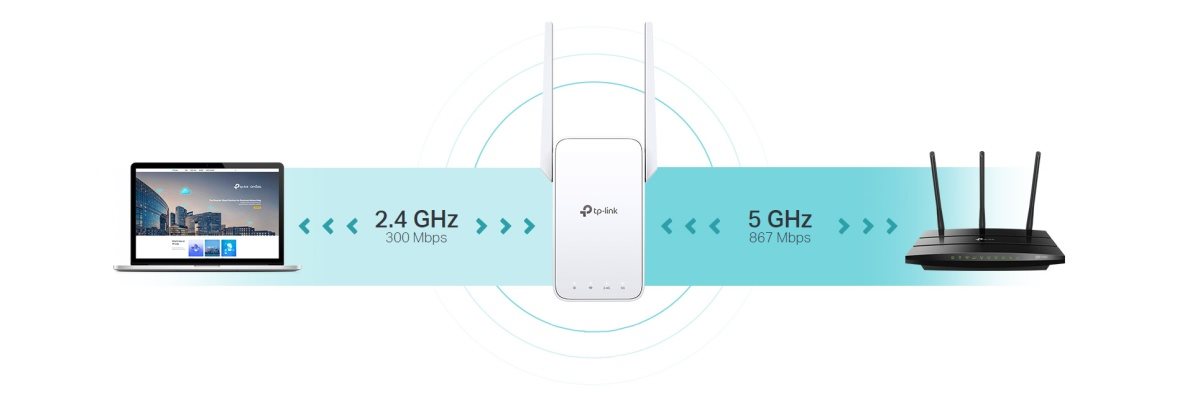
- Dual-band WiFi network: 2.4GHz (300Mbps) and 5GHz (867Mbps)
- Compatible with OneMesh routers for seamless whole-home coverage
- Automatically selects the fastest connection path to the router for maximum speed
- TP-Link RE315 also works in access point mode
- Smart signal indicator
- Easy connection to your router using the WPS button
- Manage via the Tether mobile app or web interface
- Mobile app available in Czech and Slovak
- Works with any WiFi router
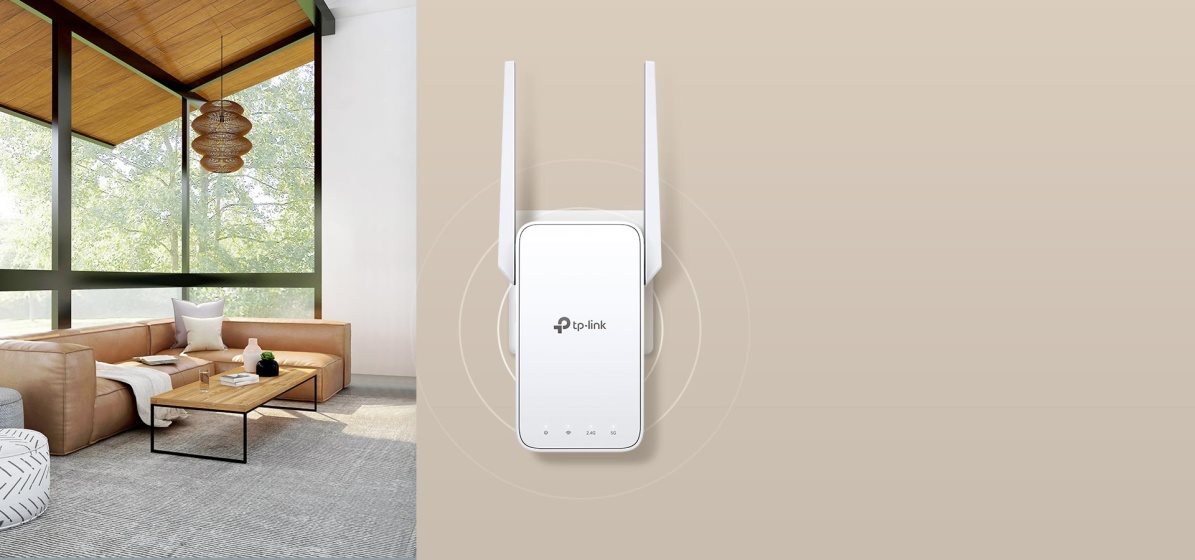
Dual-band WiFi
throughout your home
AC1200 WiFi mesh extender
RE315
Why choose the TP-Link RE315 extender?

You can't get a connection in some rooms of your house.

You lose signal when moving around the house or garden.

Your connection is constantly buffering.

Complicated network setup.
Get connected wherever you need to be
The TP-Link RE315 extender connects to your router wirelessly, extending the signal to areas the router can't reach on its own. It eliminates dead zones and delivers speeds of 300Mbps on the 2.4GHz band and 867Mbps on the 5GHz band, so you can enjoy a truly fast and stable connection in every corner of your home.

TP-Link OneMesh
TP-Link OneMesh technology is a simple way to create a mesh network with a single WiFi name. Just connect the extender to a OneMesh-enabled router. You'll no longer have to search for a spot with a strong signal.

Smart Roaming
Uninterrupted streaming as you move around your home.

One WiFi network name
No need to switch between different networks.

Easy setup
OneMesh Router + OneMesh Range Extender.

Unified management
Manage the entire network with the Tether mobile app.
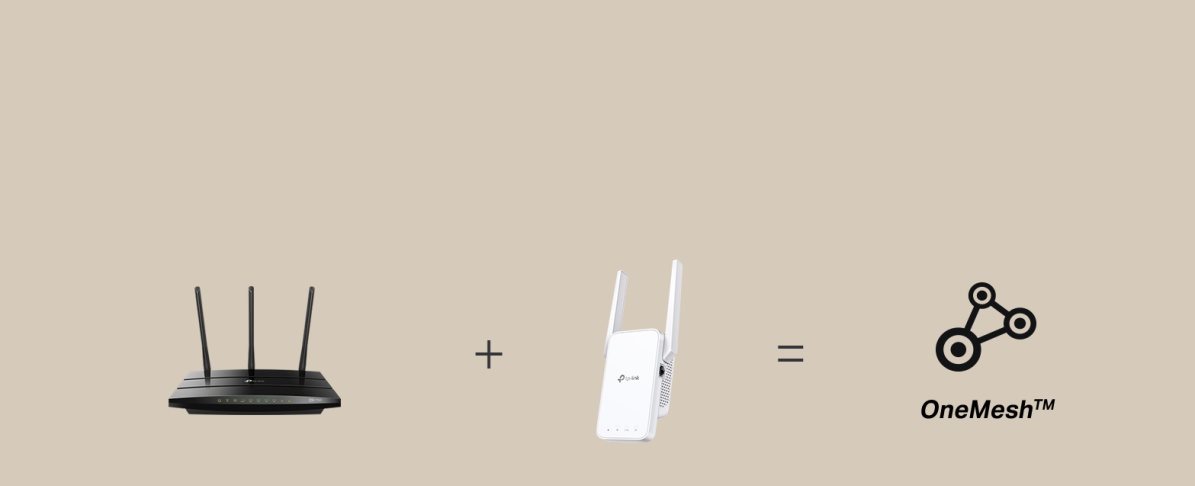
How to create a mesh network with your existing router?
If you already have a TP-Link router (e.g. an Archer C7), just update the firmware, buy a TP-Link RE315 extender and pair the two devices. That's all it takes to start enjoying the benefits of a mesh network.
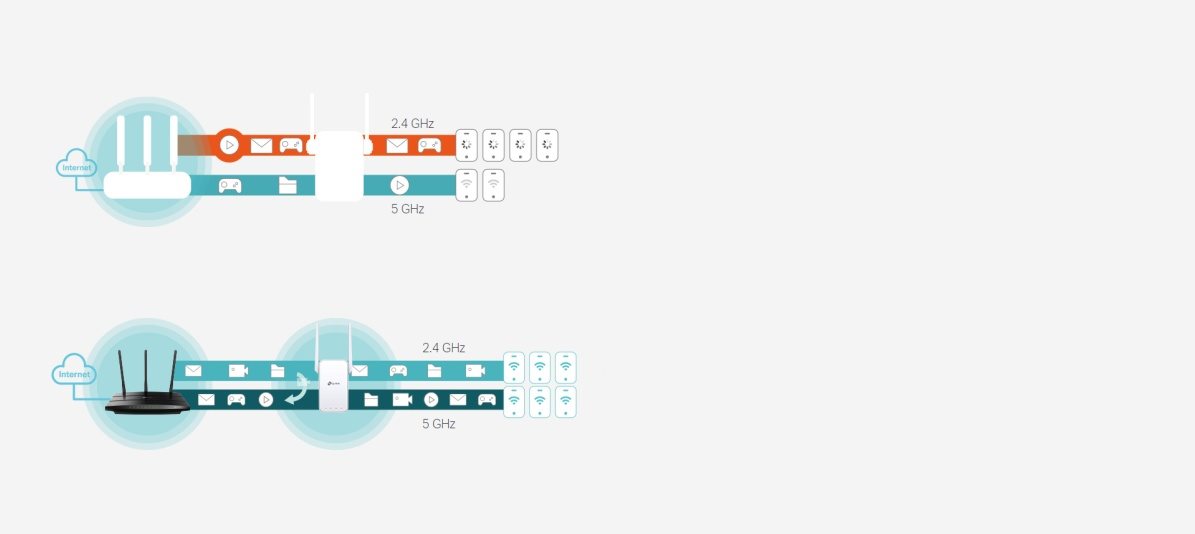
Adaptive path
selection
The TP-Link RE315 keeps multiple devices connected at the same time
without sacrificing speed. The Adaptive Path Selection feature keeps your
network running at top speed by automatically selecting the fastest path
to the router, ensuring your devices always
work quickly and reliably.
The TP-Link RE315 has a high-speed mode
The extender uses one dedicated WiFi band as a backhaul and another dedicated WiFi band as an access point to increase the bandwidth of the extended network – ideal for high-definition streaming and gaming.

Access point mode
The TP-Link RE315 isn't just an ordinary extender. Plug in an Ethernet cable
and turn your wired internet connection into a dual-band wireless
access point with 2×2 MIMO technology.
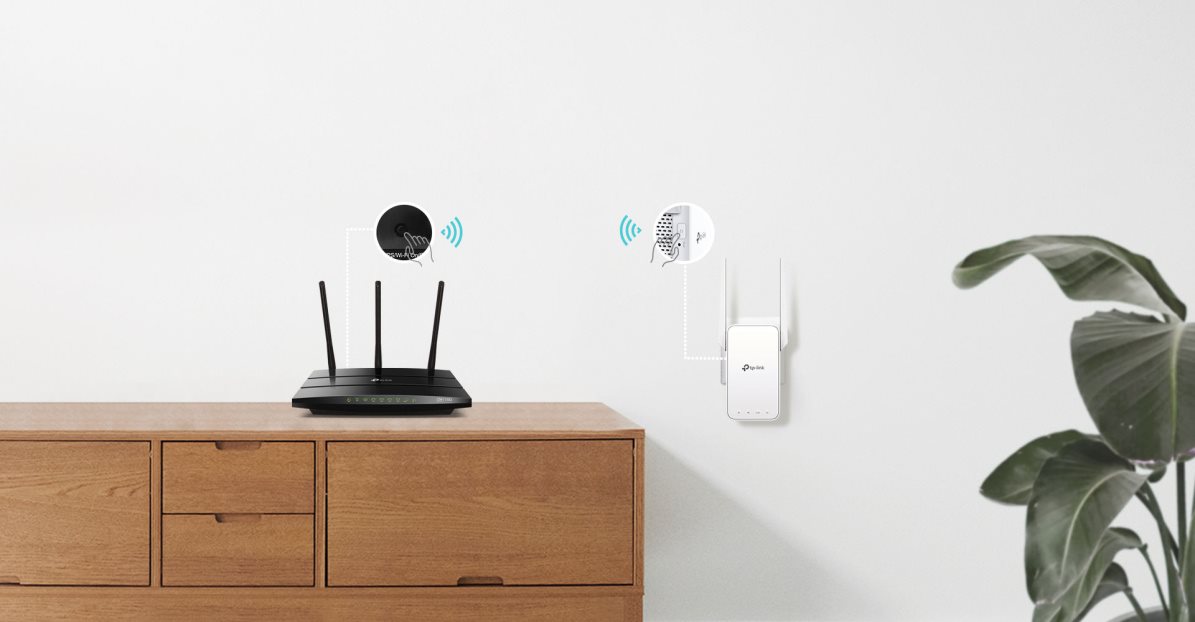
Easy to set up
Pairing your router and the RE315 extender is very easy thanks to the WPS button. Press the WPS button on the router and do the same on the extender within two minutes.
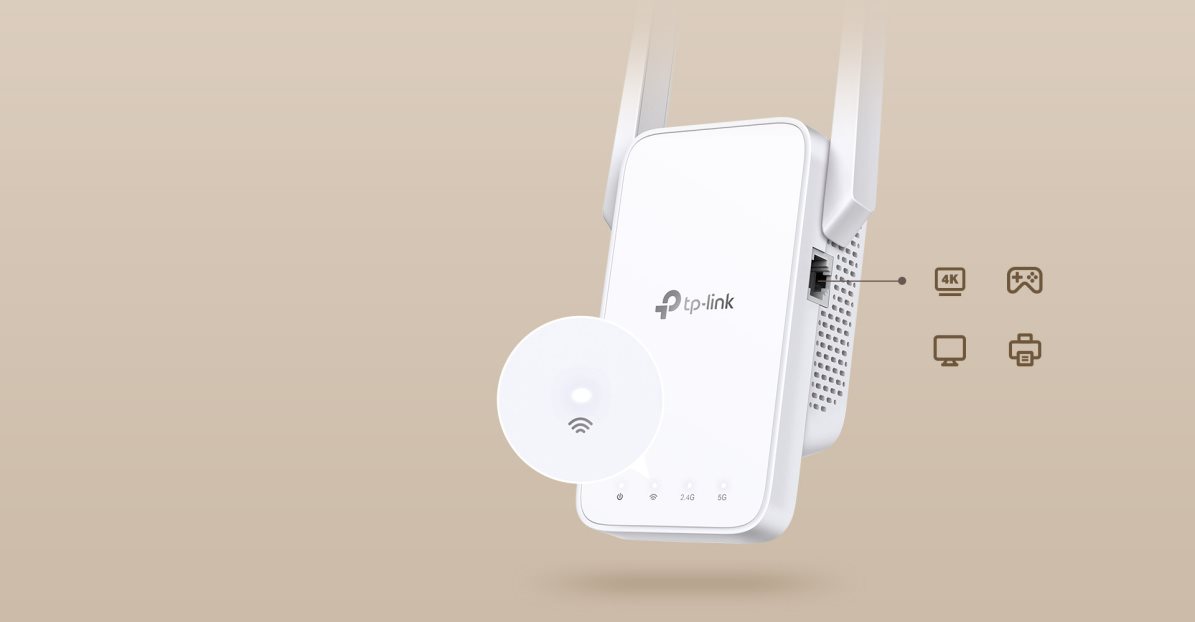
The TP-Link RE315 features a smart signal
indicator
A smart light indicator alerts you to the signal strength. If it's
white, the signal is strong enough. Otherwise, it will
light up red, and you will need to find a more suitable
location for the TP-Link RE315.
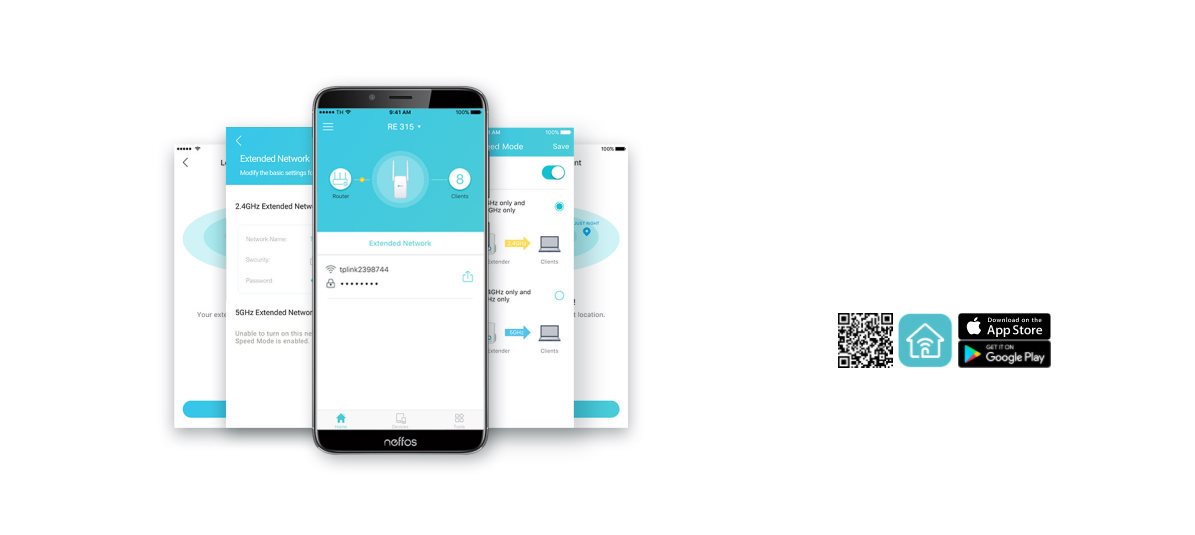
Tether mobile app
Set up your TP-Link RE315 conveniently using the Tether app
from your Android or iOS
mobile phone.
Specifications
Usage
Functions
Speed
Standards and frequency
Connectors
Security
Antenna features
Advanced parameters
Number of LAN ports
Dimensions and weight
Colour
Power outlet type

TP-LINK Czech s.r.o., Pekařská 10a, 15500 Praha 5, Česko, [email protected], www.tp-link.com
TP-LINK Czech, s. r. o., Pekařská 695/10, Jinonice, 155 00 Praha 5, CZ +420 212 812 622 / SK +421 233 006 532, [email protected]
Specifications can be changed without notice. Images are for illustrative purposes only.
