



TP-Link RE500X WiFi6 Extender


TP-Link RE500X WiFi6 Extender

TP-Link RE500X WiFi extender
- Supports WiFi 6 wireless technology
- Creates a Mesh network by connecting to a OneMesh-supported router
- Gigabit Ethernet port
- Intelligent signal light helps find the best location for optimal WiFi coverage
- Mobile app available in Czech and Slovak
- AP mode creates a new WiFi access point to enhance your wired network
- TP-Link Tether app for easy network management via your mobile device
- Ultimate compatibility
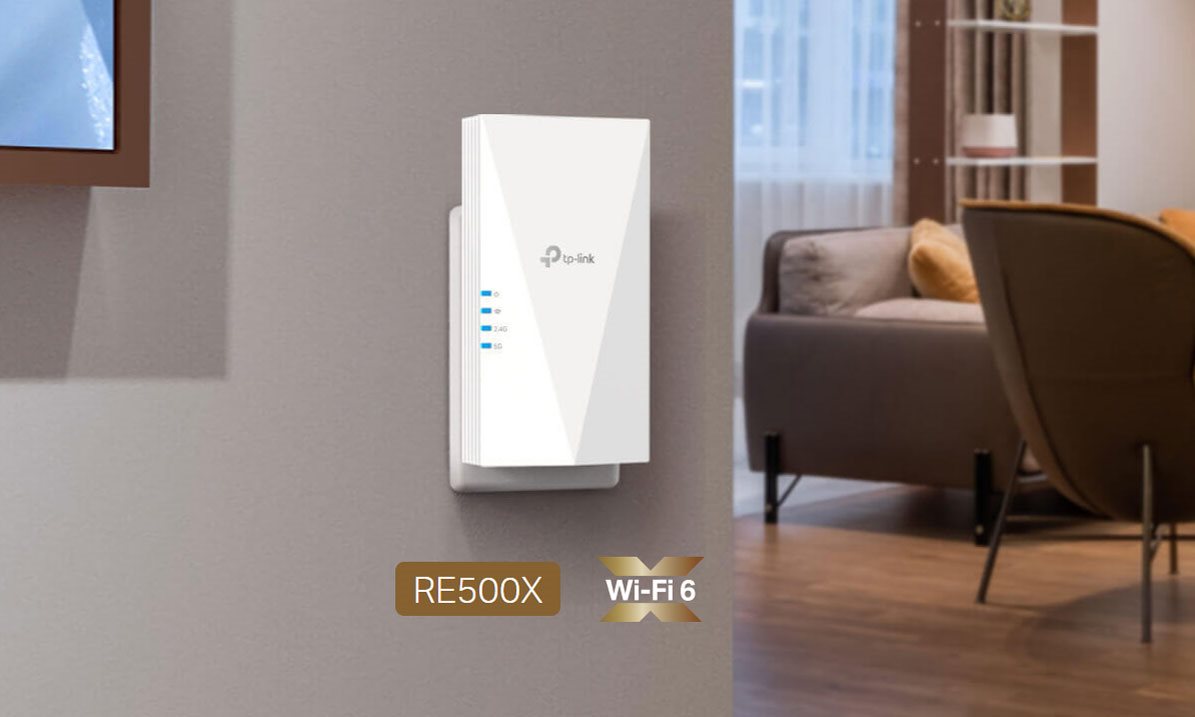
TP-Link RE500X extender supports WiFi 6
The WiFi 6 standard provides higher speeds, greater capacity and extremely low latency, satisfying even the most demanding users. Enjoy bandwidth-intensive tasks like cloud gaming or 4K UHD video.

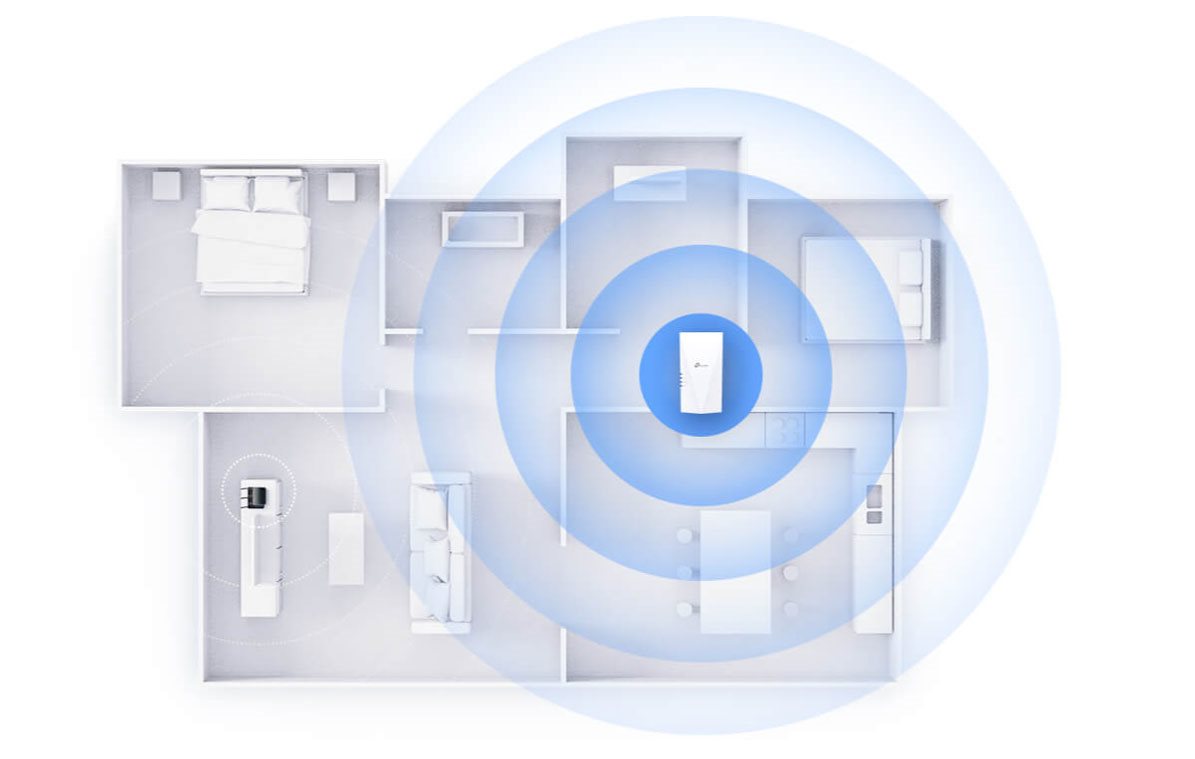
Stable WiFi throughout your flat
If you don't have sufficient WiFi signal coverage, you don't have to buy a new router. Just get the TP-Link RE500X extender and enjoy WiFi 6 throughout your home with no dead zones.
TP-Link OneMesh
OneMesh is a simple way to create a Mesh network with a single WiFi name. Just connect the TP-Link RE500X extender to a OneMesh-supported router. You will no longer have to search for a spot with a strong signal.
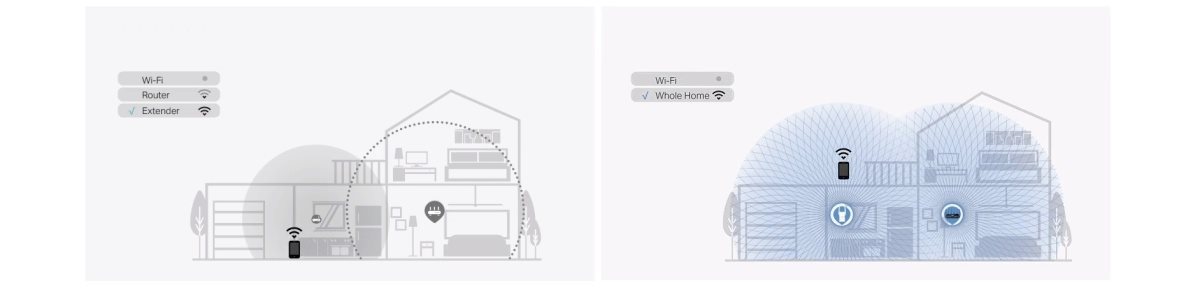

Smart roaming
Uninterrupted streaming as you move around your home.

One WiFi network name
You don't have to switch between different networks.

Easy setup
OneMesh Router + OneMesh Range Extender.

Unified management
Manage the entire network in the Tether mobile app.
TP-Link RE500X also works as an access point
In addition to being an extender, the TP-Link RE500X also functions as a 2×2 MU-MIMO access point – just plug an Ethernet cable into the corresponding port.

TP-Link Tether mobile app
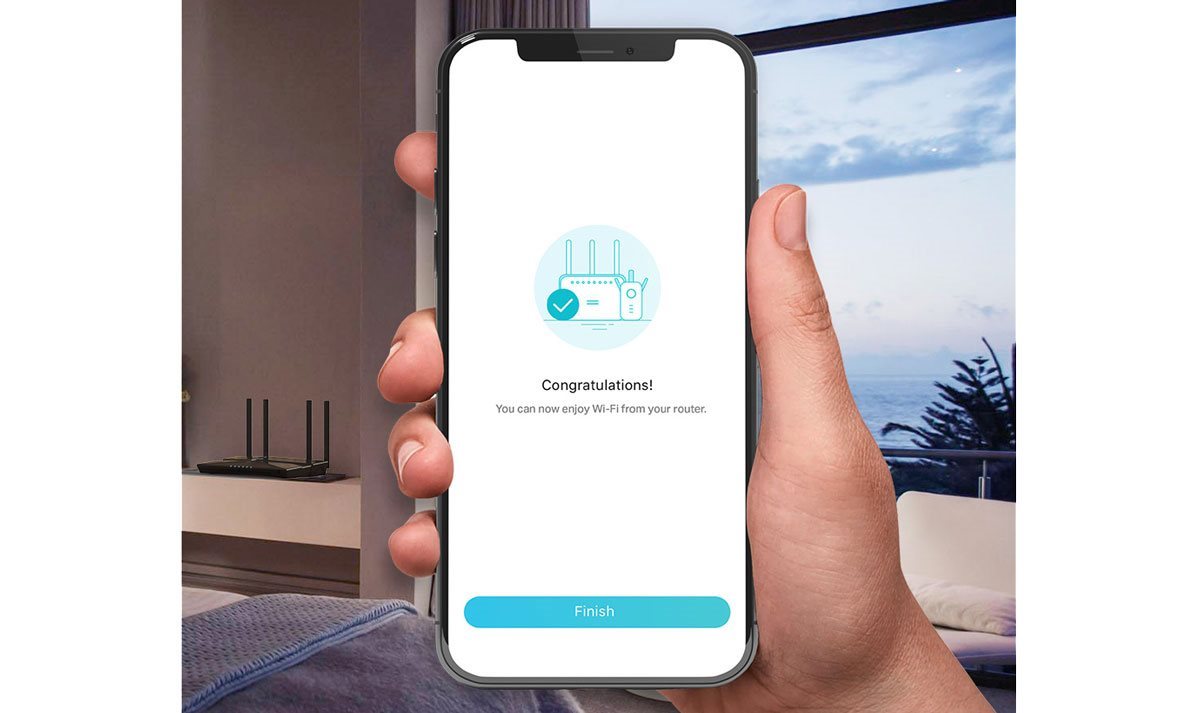
The free Tether mobile app, available for Android and iOS devices, makes setting up and managing the TP-Link RE500X extender easy.
Specifications
Usage
Functions
Speed
Standards and frequency
Connectors
Security
Antenna features
Advanced parameters
Number of LAN ports
Dimensions and weight
Colour
Power outlet type

TP-LINK Czech s.r.o., Pekařská 10a, 15500 Praha 5, Česko, [email protected], www.tp-link.com
TP-LINK Czech, s. r. o., Pekařská 695/10, Jinonice, 155 00 Praha 5, CZ +420 212 812 622 / SK +421 233 006 532, [email protected]
Specifications can be changed without notice. Images are for illustrative purposes only.
