



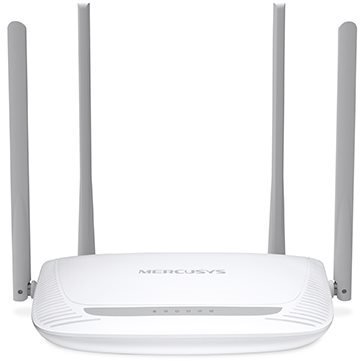
Mercusys MW325R
- Reviews 8
- Help and manuals
- Specifications
- Photos & Videos 4
- Alternatives 4
- Accessories and suggested products

Mercusys MW325R
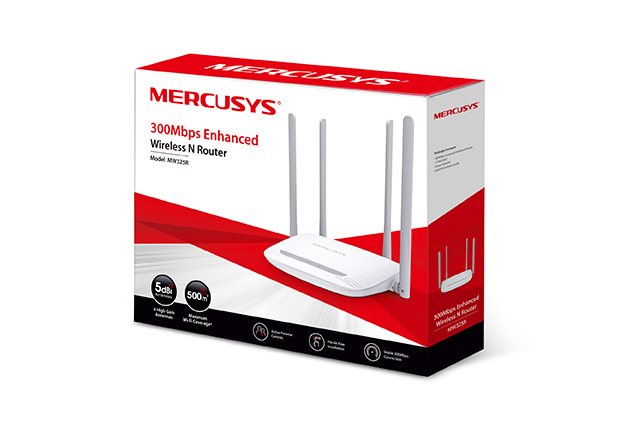
Mercusys MW325R WiFi Router
- 2.4GHz WiFi 802.11b/g/n with speeds up to 300Mbps
- Four 5dBi antennas for stronger and better signal coverage (up to 500m²)
- Intuitive setup via the web page
- Parental Control + Guest Network

Provides WiFi
Throughout the House
300Mbps wireless router,
with N standard and increased coverage
MW325R
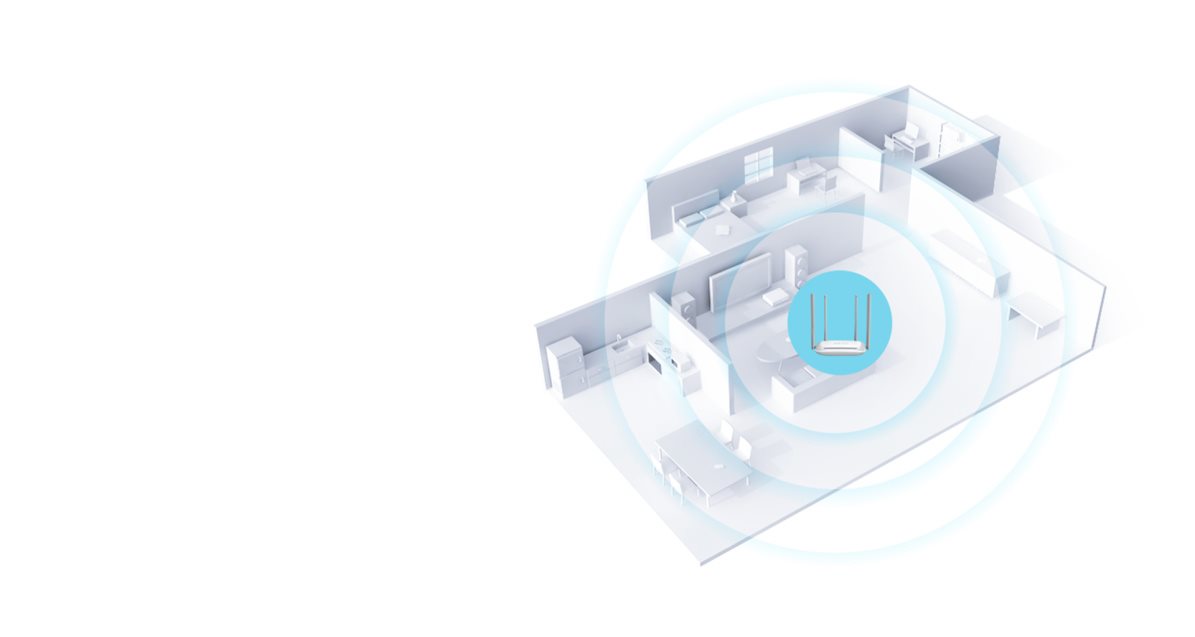
WiFi up to 500m²
The Mercusys MW325R router creates a stable and extensive WiFi network
over an area of up to 500m². Connect from any room
in your home and enjoy powerful WiFi.

High Performance
The combination of 2×2 MIMO technology and four
high-gain antennas significantly increases the capabilities
of the Mercusys MW325R router. You no longer have to
worry about delayed or dropped connections.
Three-Step Installation
Thanks to the intuitive web interface, you can set up the new MW325R in minutes.

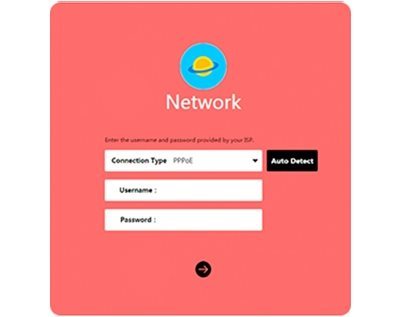
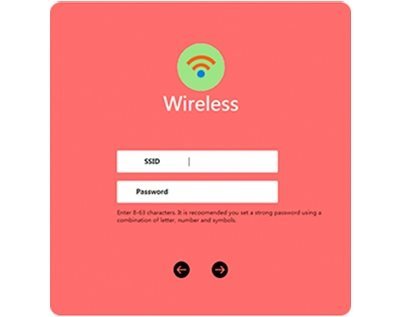
1. Create a password
2. Fill in the required information
3. Set the network name (SSID) and password
Quality Security
Advanced modern features help to secure your connection to the Mercusys MW301R router.



1. Parental Control
2. Guest Network
3. Advanced Encryption
Specifications
Number of LAN ports
Package contents
Standards and frequency
Functions
Speed
Type
Security
Antenna features
Advanced parameters
Počet WAN portů
Dimensions and weight

TP-LINK Czech s.r.o., Pekařská 10a, 15500 Praha 5, Česko, [email protected], www.tp-link.com
TP-LINK Czech, s. r. o., Pekařská 695/10, Jinonice, 155 00 Praha 5, CZ +420 212 812 622 / SK +421 233 006 532, [email protected]
Specifications can be changed without notice. Images are for illustrative purposes only.
